

Quick summary
In this article, we break down Replit’s pricing tiers, explaining the key features that come with each plan, where costs escalate beyond the sticker price, and why Launchpad is the stronger foundation for teams building B2B software they plan to sell.
Considering using Replit to launch your new software?
Developing software can be complex, especially when you have limited coding experience. Thankfully, there are platforms designed to make the job easier, and Replit is among the most popular. Replit helps developers turn an idea into a working app in a browser tab. Its strengths are speed and accessibility for users looking to build apps quickly.
In this Launchpad guide, we'll break down what Replit costs, where the hidden cost lives, and when an enterprise-grade-first platform makes more sense.
But first…
Why listen to us?
At Launchpad, we build alongside B2B software companies that ship products their customers depend on. Backed by Pega's 40 years of enterprise workflow automation, Launchpad powers production applications for companies like Fielo (serving Google and Audi), Quavo, and Connex. We know the difference between a tool that helps you prototype and a platform that helps you build a business.
What Is Replit and who is it built for?
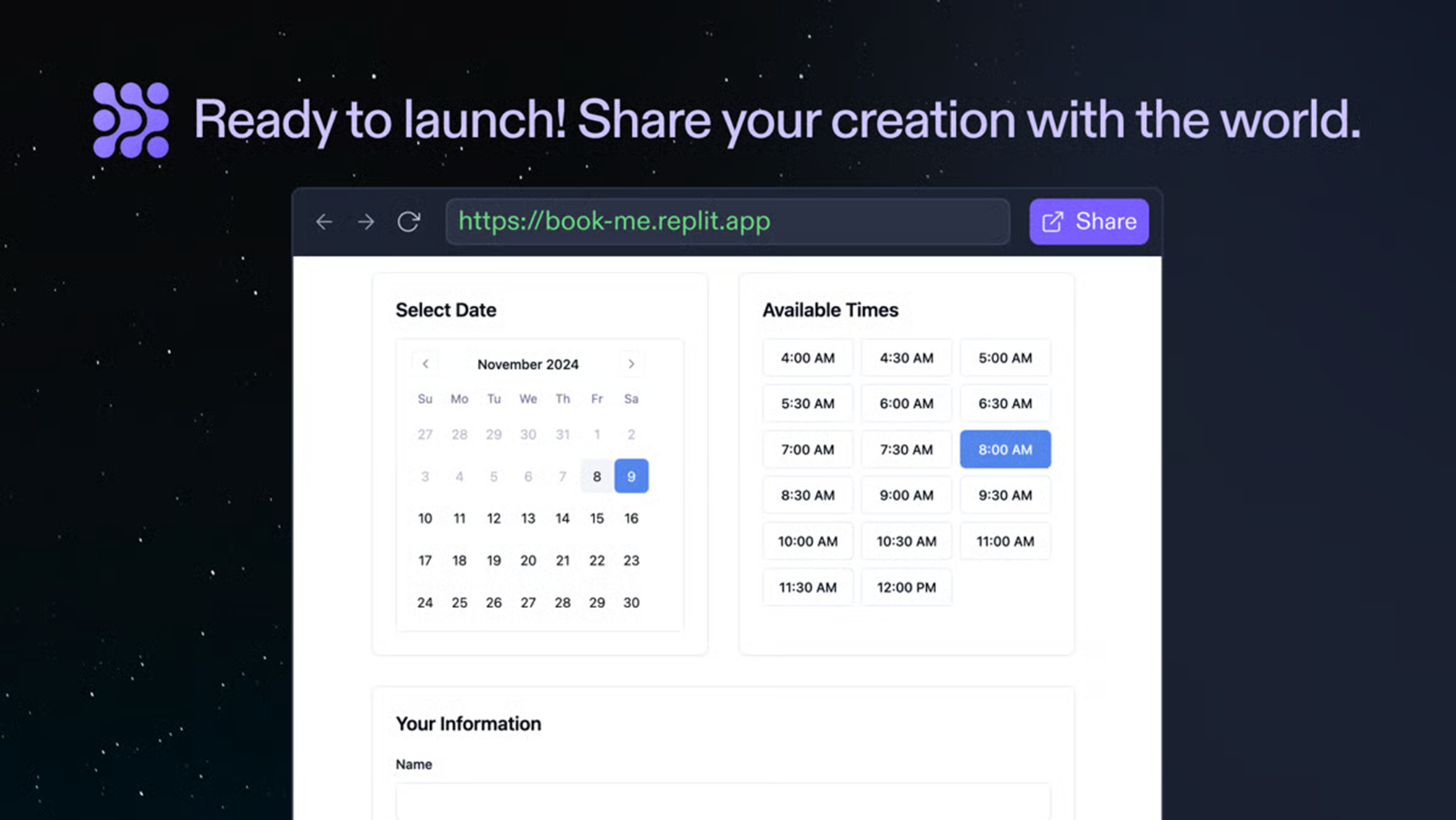
Replit is a browser-based development environment that lets you write, run, and deploy code in over 50 programming languages without installing anything locally. Its flagship feature, the Replit Agent, uses AI to generate entire applications from natural language prompts. You describe what you want built, and the Agent writes the code, sets up the dependencies, and deploys it.
For students learning to code, solo developers prototyping a side project, or product managers who want to turn a spec into a working demo, the value proposition is clear. You skip the local setup entirely and move from idea to a functional app within a single browser tab.
That said, Replit's pricing model introduces some complexities. Notably, your subscription covers only the baseline. Everything beyond it, including the AI features most users want, runs on a credit system where costs fluctuate based on how much "effort" the Agent expends per task.
Replit pricing plans compared
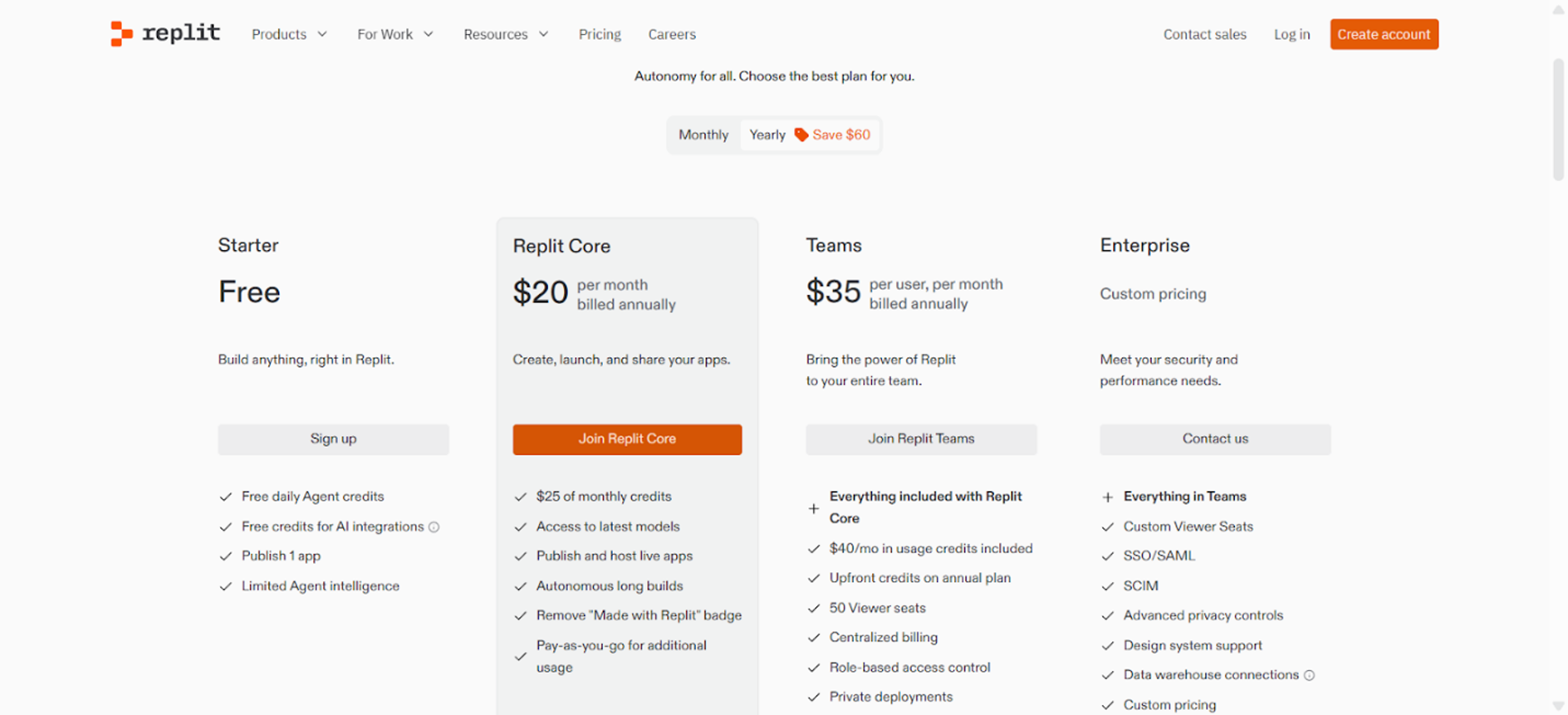
Here's a side-by-side view of Replit's current pricing tiers.
|
# |
Plan |
Price |
Credits Included |
Key Features |
Best For |
|
1 |
Starter |
$0 |
Limited Agent trial |
10 dev apps, public only, 1 vCPU, 2 GiB RAM |
Students, exploration |
|
2 |
Core |
$25 per month ($20 annual) |
$25 per month |
Full Agent, private apps, 4 vCPUs, 8 GiB RAM, deployments |
Solo developers |
|
3 |
Teams |
$40/user per month ($35 annual) |
$40 per user per month |
Core + RBAC, centralized billing, private deploys, 50 viewer seats |
Small teams |
|
4 |
Pro (from Feb 2026) |
$100 per month |
Tiered credits, discounts |
Replaces Teams; up to 15 builders, priority support |
Growing teams |
|
5 |
Enterprise |
Custom |
Custom |
SSO/SAML, SCIM, advanced privacy, dedicated support |
Large organizations |
The subscription prices seem straightforward. A solo developer pays $25/month, a small team pays $40/user. Except that the subscription is just the entry ticket. The actual cost depends on what happens after the included credits expire.
Breakdown of each Replit pricing tier
1. Starter Plan
The Starter plan is free and gives you a limited trial of the Replit Agent, 10 development apps, and a basic workspace with 1 vCPU and 2 GiB of memory. Every project is public. No private repos, no persistent deployments, no database access.
You can explore the interface and watch the Agent build a basic app, but you might quickly encounter limitations. The free AI credits evaporate quickly, and once they’re gone, the Agent stops working until they refresh.
2. Core Plan
The Core plan starts at $25/month ($20 billed annually). You unlock full Replit Agent access, unlimited public and private apps, 4 vCPUs, 8 GiB of memory, and $25 in monthly usage credits. You can also deploy live apps, connect custom domains, and access PostgreSQL databases.
The $25 credit inclusion sounds generous until you understand what it draws from it. Agent usage, app hosting, database compute, storage, and outbound data transfer all consume the same credit pool. Potentially, a developer actively using the Agent on a moderately complex project could burn through $25 in credits within two to three weeks. After that, Replit switches to pay-as-you-go billing on your credit card.
There is no built-in spending cap. One complex prompt that sends the Agent into an extended coding session can cost several dollars.
3. Teams Plan (sunsetting February 2026)
The Teams plan costs $40/user/month ($35 billed annually) and adds centralized billing, role-based access control, private deployments, and 50 viewer seats on top of everything in Core. Each team member receives $40 in monthly credits.
For a five-person team, that’s $200/month before overages. If even two developers are actively building with the Agent, total spend can reach $400-$600/month. Replit is sunsetting this plan on February 20, 2026, replacing it with the new Pro plan.
4. Pro Plan (launching February 2026)
The new Pro plan starts at $100/month for teams, supports up to 15 builders, and introduces tiered credit pricing with bulk discounts and priority support. It’s set to replace the Teams plan, and current Teams subscribers will be migrated automatically.
Consolidating credits into a team-wide pool is a step toward predictability. However, the effort-based billing model hasn't changed.
5. Enterprise Plan
Custom pricing. SSO/SAML, SCIM provisioning, advanced privacy controls, and dedicated support. No public numbers, so you'll need to contact the sales team for pricing details. The Enterprise plan adds controls that lower tiers lack, but VPC isolation is listed as "coming soon," so single-tenant deployment is not yet available.
Features of Replit
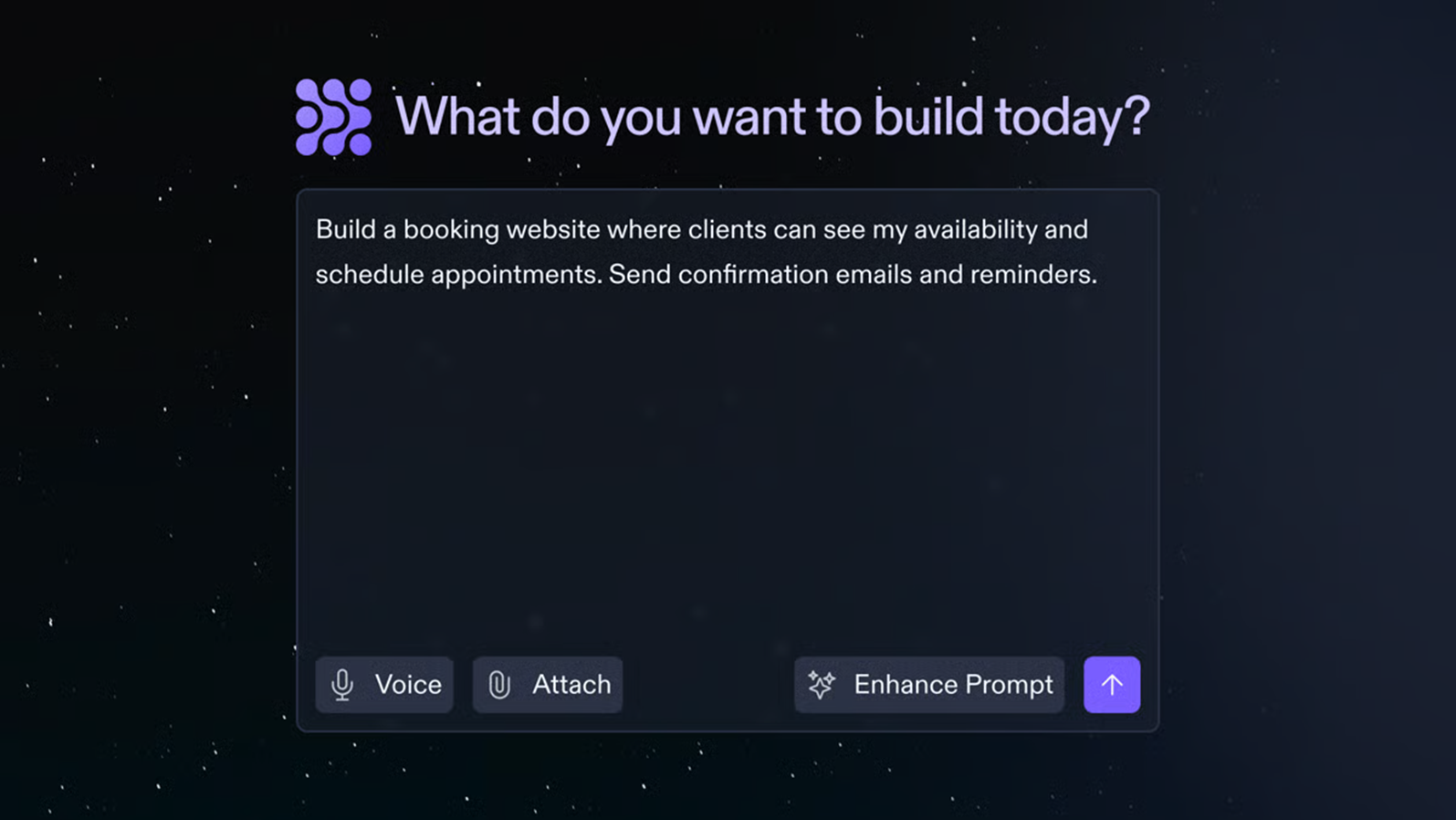
Beyond the credit system, Replit has built a capable development platform. Here’s what draws developers in.
1. AI Agent (Agent 3)
The Replit Agent is the platform's centerpiece. It generates full applications from text prompts, autonomously debugs code, writes tests, and deploys the results. Agent 3, the latest version, introduced extended thinking and the ability to spawn sub-agents for complex tasks.
Agent 3’s increased autonomy means it initiates more work per prompt, including refactoring code you didn’t ask it to touch. InfoWorld covered developer dissatisfaction in detail, noting complaints about the Agent "forcefully applying changes not requested or desired."
2. Browser-based IDE
Everything runs in your browser. The aim of this is to minimize the need for local installations and dependency management headaches. The IDE supports 50+ languages with real-time collaboration that works like Google Docs for code. For distributed teams or developers working across multiple machines, this can be a major advantage.
3. Instant deployment
Replit offers one-click deployment with multiple options: autoscale (pay-per-request), reserved VMs (predictable monthly cost), scheduled deployments, and static hosting. Going from code to live URL in seconds is beneficial, especially for prototypes and internal tools. For production applications serving real customers, the lack of fine-grained monitoring, custom CI/CD, and security hardening options becomes a limitation.
4. Integrated databases
PostgreSQL databases are built into the platform, along with app storage and key-value stores. This eliminates the need to configure external database services for simpler applications. All database usage, naturally, draws from your monthly credit pool.
Hidden Costs and Pricing Limitations of Replit
1. Effort-based pricing is inherently unpredictable
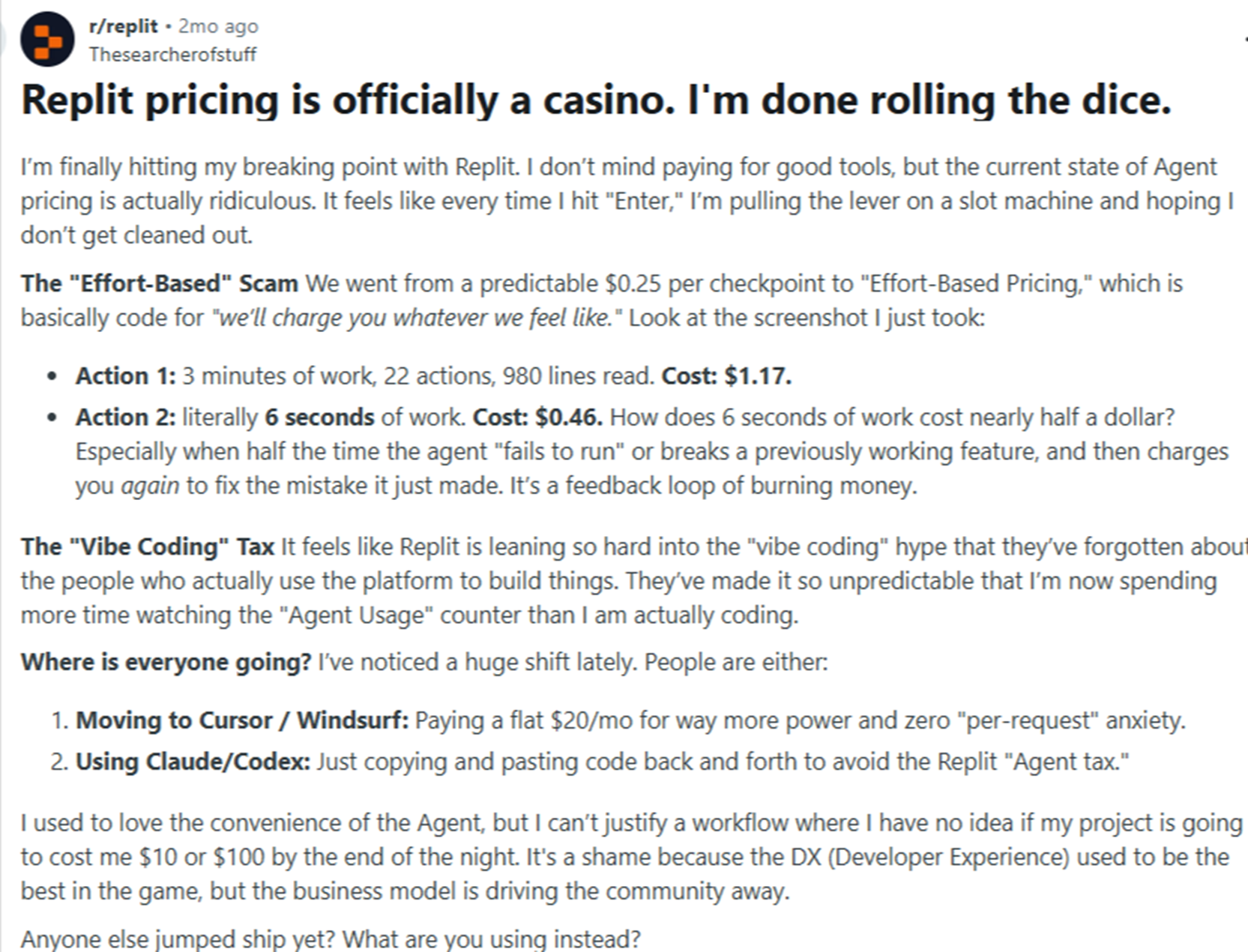
Replit introduced “effort-based pricing” in mid-2025, replacing the previous checkpoint-based model. Each AI task now costs based on the compute resources and time the Agent uses. A simple edit might cost $0.10, while a complex feature request could cost $5 or more. You won't know which until the work is done.
As one industry analyst put it, the model makes AI spending "feel less like software and more like a casino." There is no way to get a cost estimate before running a prompt, and no cap to prevent runaway spending.
2. Agent 3 cost overruns
Users have reported dramatic cost increases since Replit introduced Agent 3. The Register documented users spending $1,000 in a single week, up from typical monthly bills of $180 to $200. One user reported that a single prompt cost $20 after Agent 3 autonomously redesigned their entire UI without being asked.
Agent 3 is "10x more autonomous,” which means it does more work per prompt. More work means more computing. More computing means higher bills. Replit acknowledged the issues, but the underlying pricing model hasn’t changed.
3. Credits cover everything (and run out fast)
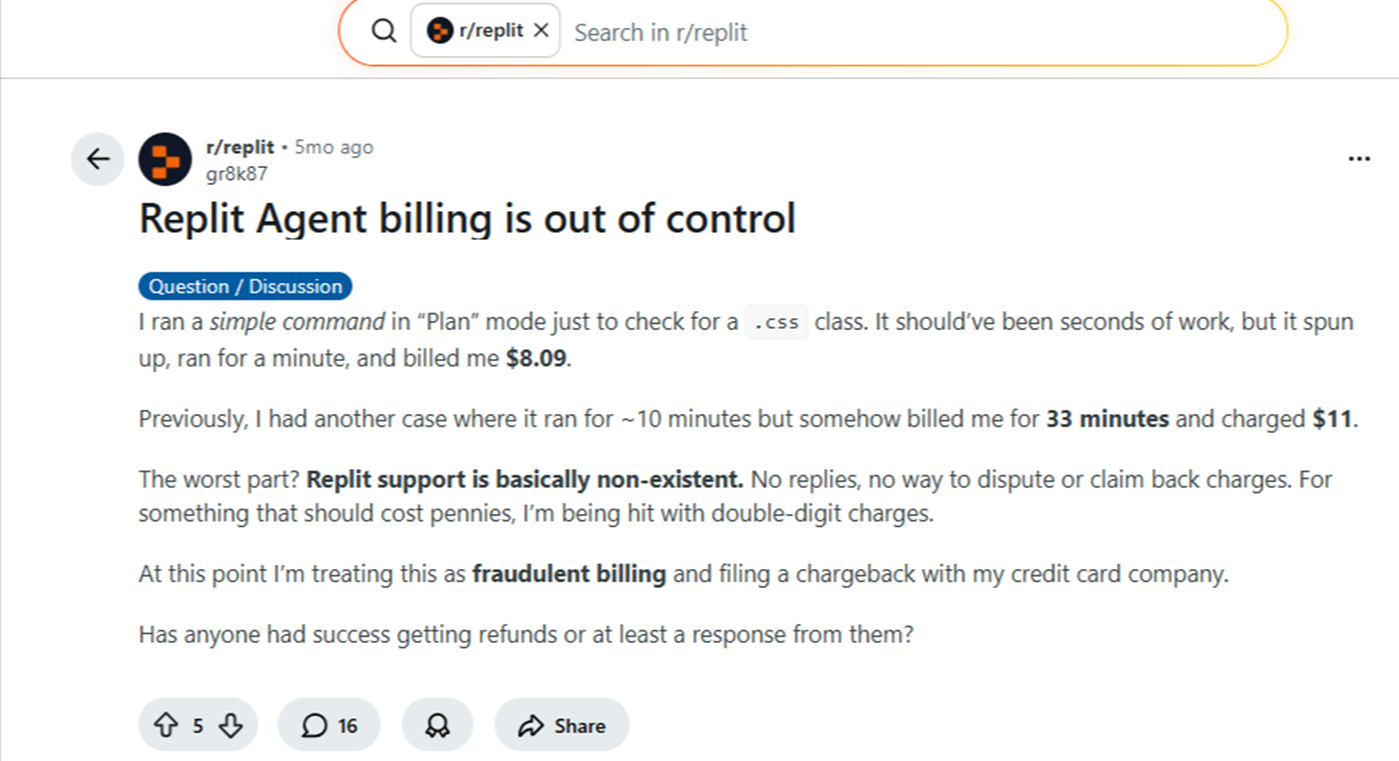
Your monthly credits aren’t dedicated to AI usage. They’re a shared pool covering Agent requests, app hosting, database compute, storage, and data transfer. A developer who deploys a moderately active app while building new features can exhaust their $25 Core allocation halfway through the month.
Once credits are depleted, any subsequent action is billed directly to your payment method without prior notice. Previous Replit users have reported monthly bills ranging from $100 to $300 for a plan they expected to be $25/month.
4. Frequent pricing model changes
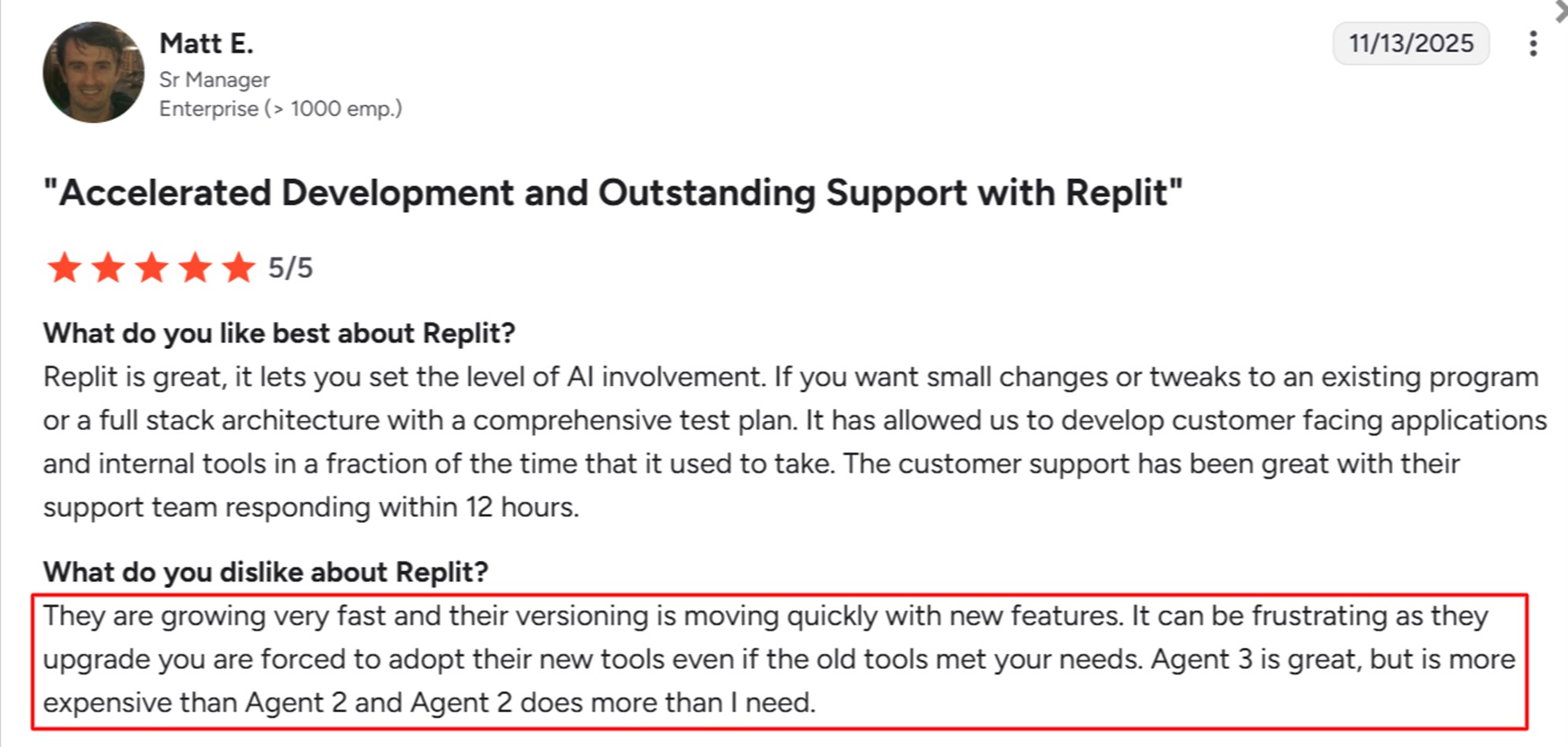
Replit has changed its pricing structure multiple times: flat checkpoint pricing to effort-based billing in 2025, the Agent 3 cost recalibration, and the Teams-to-Pro migration in February 2026. For teams that forecast development costs quarterly or annually, this level of pricing volatility creates significant budgeting challenges.
5. Production readiness gaps
Replit excels at getting applications live fast. Keeping them live, secure, and performant at scale, however, has been an issue. There is no built-in compliance certification on standard plans, and VPC isolation doesn’t exist yet. So teams building applications for regulated industries or enterprise customers will eventually need to migrate.
Why Launchpad is the better choice for production software
Replit is built for individual developers and small teams who want to move fast. Launchpad is built for software companies that need their products to work at scale from the beginning.
1. Enterprise-grade infrastructure from day one
Launchpad applications run on a fully managed, multitenant cloud architecture that supports SOC 2, ISO 27001, GDPR, and HIPAA compliance. Security, observability, and auto-scaling are included, not bolted on as enterprise add-ons. You don't build a prototype and then rebuild for production. You build once and ship once.
2. Pricing that scales without hidden fees
Launchpad uses an AWS-style, usage-based pricing model built around Launchpad Units (LPUs). You start free with Launchpad Explore and GenAI Blueprint, then move to subscription plans with transparent, consumption-based billing. There are no credit pools that drain unpredictably. No effort-based guesswork. Your costs track directly to the value your application delivers.
3. Purpose-built for B2B software companies and not just prototypes
Launchpad isn't a general-purpose coding environment. It's a platform for building, operating, and scaling B2B software products. Prebuilt APIs, reusable UX components, and Pega's workflow automation engine help teams to focus on product-differentiating features rather than rebuilding existing infrastructure.
4. Results that speak for themselves
Fielo, the company that provides incentive program software for Audi and Google, cut development time from three sprints to half a sprint on Launchpad. Quavo grew revenue by 25x. These outcomes didn't come from prototyping tools. They came from a platform designed to take software companies from concept to scale.
Replit vs. Launchpad: a direct comparison
|
# |
Category |
Replit |
Launchpad |
|
1 |
Primary use case |
Prototyping and individual development |
Production-grade B2B software |
|
2 |
Pricing model |
Credit-based with effort pricing (unpredictable) |
Usage-based with Launchpad Units (predictable) |
|
3 |
Production readiness |
Requires migration for enterprise use |
Enterprise-grade from day one |
|
4 |
Infrastructure management |
Shared, platform-managed |
Fully managed cloud with auto-scaling |
|
5 |
Security and compliance |
SOC 2 on Enterprise only; no HIPAA on standard plans |
SOC 2, ISO 27001, GDPR, HIPAA included |
|
6 |
Workflow automation |
None |
Built-in (Pega's 40-year orchestration engine) |
|
7 |
AI cost control |
No spending caps; effort-based billing |
Transparent, consumption-based billing |
The difference between building fast and building to last
Replit has earned a reputation as one of the most accessible development environments. The browser-based IDE improves accessibility, while the Agent accelerates prototyping when it fits within your budget. For students, hobbyists, and developers exploring ideas, the platform delivers.
The challenge surfaces when your application outgrows the prototype stage. Unpredictable credit consumption, frequent pricing changes, and infrastructure limitations create friction precisely when teams need stability. Building something people pay for requires a platform that treats production readiness as the starting point, not the final upgrade.
Launchpad was built for that moment. It provides the infrastructure, compliance, and workflow automation to ship real software from day one. Sign up with Launchpad for free and start building software your customers can depend on.
About the Author
Jason Masciarelli (VP, Launchpad Go-To-Market & Ventures) helps companies build new revenue streams by bringing powerful SaaS apps to market and leads the strategic investment into early-stage companies to accelerate growth and innovation.