

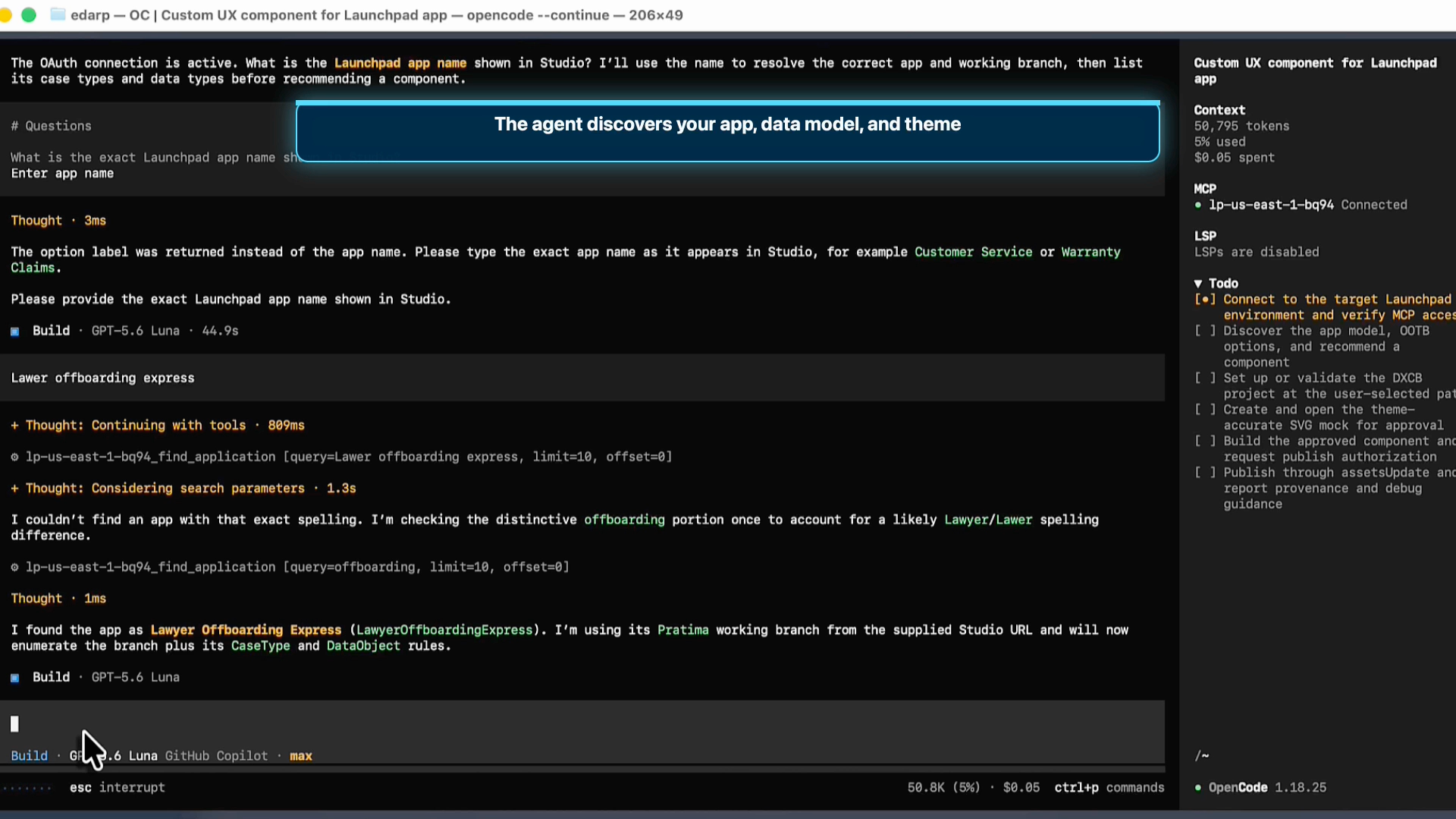
Building a custom user experience for a Launchpad application should not require expertise in React, DXCB, MCP configuration, or publishing mechanics. Launchpad UX Builder is an agent plugin that guides providers from a natural-language request to a published Custom UX component.
Start with Constellation
Launchpad UX Builder extends Constellation; it does not replace it. The plugin evaluates out-of-the-box Constellation components and UX Boosters first, recommending Custom UX only when existing capabilities do not meet the application need.
When a custom component is the right choice, UX Builder helps providers create visually appealing, data-driven experiences that align with the application theme and established design patterns.
From request to published component
Even a developer new to Launchpad, with no prior Custom UX component or DXCB experience, can build and publish a component: they simply describe the UX they need in plain English while UX Builder provides guidance through discovery, design, preview, generation, and publishing.
Before recommending a component, UX Builder examines relevant case types, data types, fields, relationships, and views. It uses the live theme and data model to create a visual preview that matches the provider's existing visual language.
Providers review the theme-aware design and explicitly confirm before any change is published. UX Builder also manages the DXCB workflow and guides remote MCP connection and authentication, making Custom UX more accessible to developers new to Launchpad Custom UX or React.
Get started
Launchpad UX Builder is available in the public Pega Launchpad Agent Skills repository, alongside complementary Agent Skills for broader Launchpad development work.
About the Author
Pratima Edarapalli is a Senior Solutions Architect with a passion for helping Launchpad clients reach their SaaS goals