

Quick summary
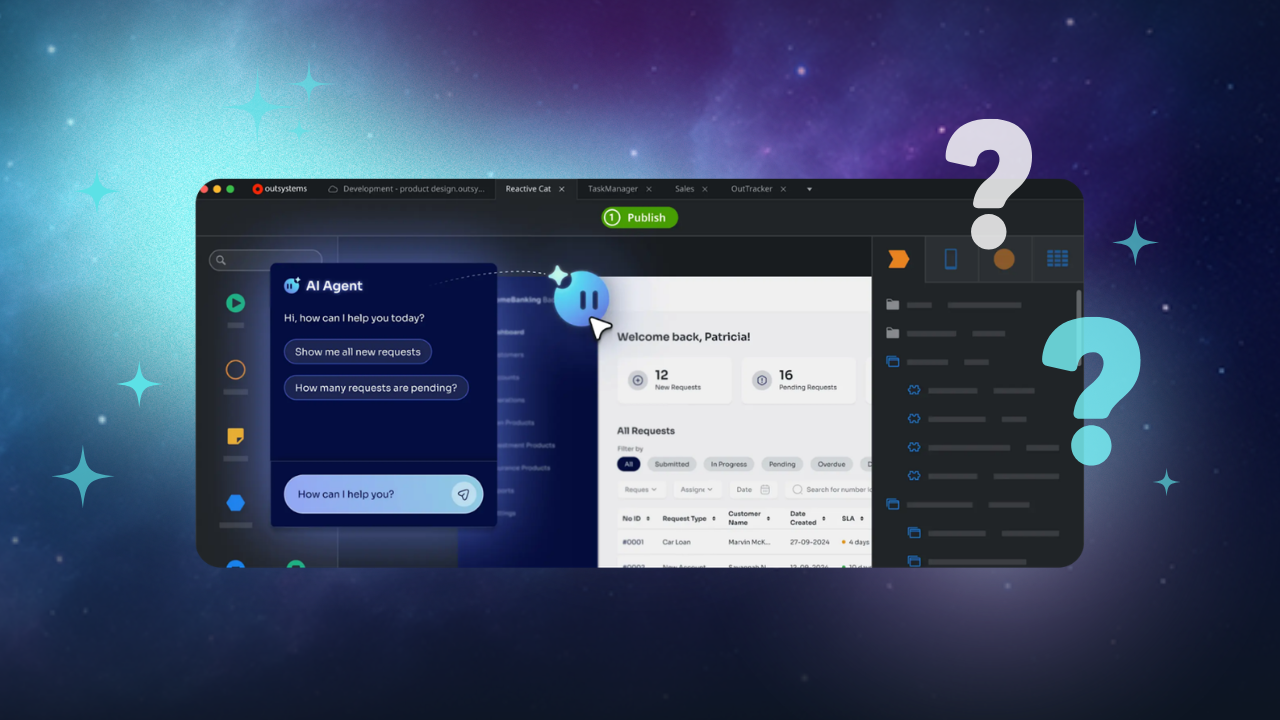
OutSystems is an established low-code development platform that helps organizations build, deploy, and manage applications. Its visual development environment, integration capabilities, and enterprise features make it an option for organizations looking to accelerate software development.
But OutSystems isn't necessarily the right fit for every project.
Some organizations want a different licensing model or greater flexibility over their development environment. Others need stronger alignment with their existing technology stack, more accessible development tools, or a platform designed specifically for building and selling commercial software.
For independent software vendors (ISVs) and SaaS providers, the requirements extend beyond application development. They also need to consider multi-tenancy, customer onboarding, subscriber management, security, scalability, and the cost of operating their products.
This guide explores 13 OutSystems alternatives, their key capabilities, and the types of projects they're suited to.
Whether you're modernizing internal applications or building your next commercial SaaS product, the goal is to help you identify which platforms deserve a closer look.
Here’s our shortlist:
|
# |
Tool |
Best for |
|
1 |
Launchpad |
Building and shipping commercial B2B SaaS products with native multi-tenancy, subscriber management, and production-ready infrastructure. |
|
2 |
Mendix |
Enterprise teams needing dual IDEs for business-IT collaboration with flexible deployment options. |
|
3 |
FlutterFlow |
Mobile-first development with full Flutter code export, eliminating vendor lock-in while building cross-platform native applications. |
Why listen to us?
At Launchpad, we're built by Pegasystems, which has 40 years of experience delivering enterprise workflow automation to Fortune 500 companies. We've evaluated every major low-code platform for production readiness, multi-tenancy architecture, and B2B SaaS alignment.

The insights in this guide come from real-world experience, not theory. Companies like Fielo, which support organizations such as Google and Audi, have used Launchpad to cut development time by more than 50% while still delivering enterprise-level products.
Why consider an alternative to OutSystems?
OutSystems offers substantial application development capabilities, but different organizations have different requirements.
Here are five considerations that may lead teams to evaluate alternatives.
1. Pricing and licensing
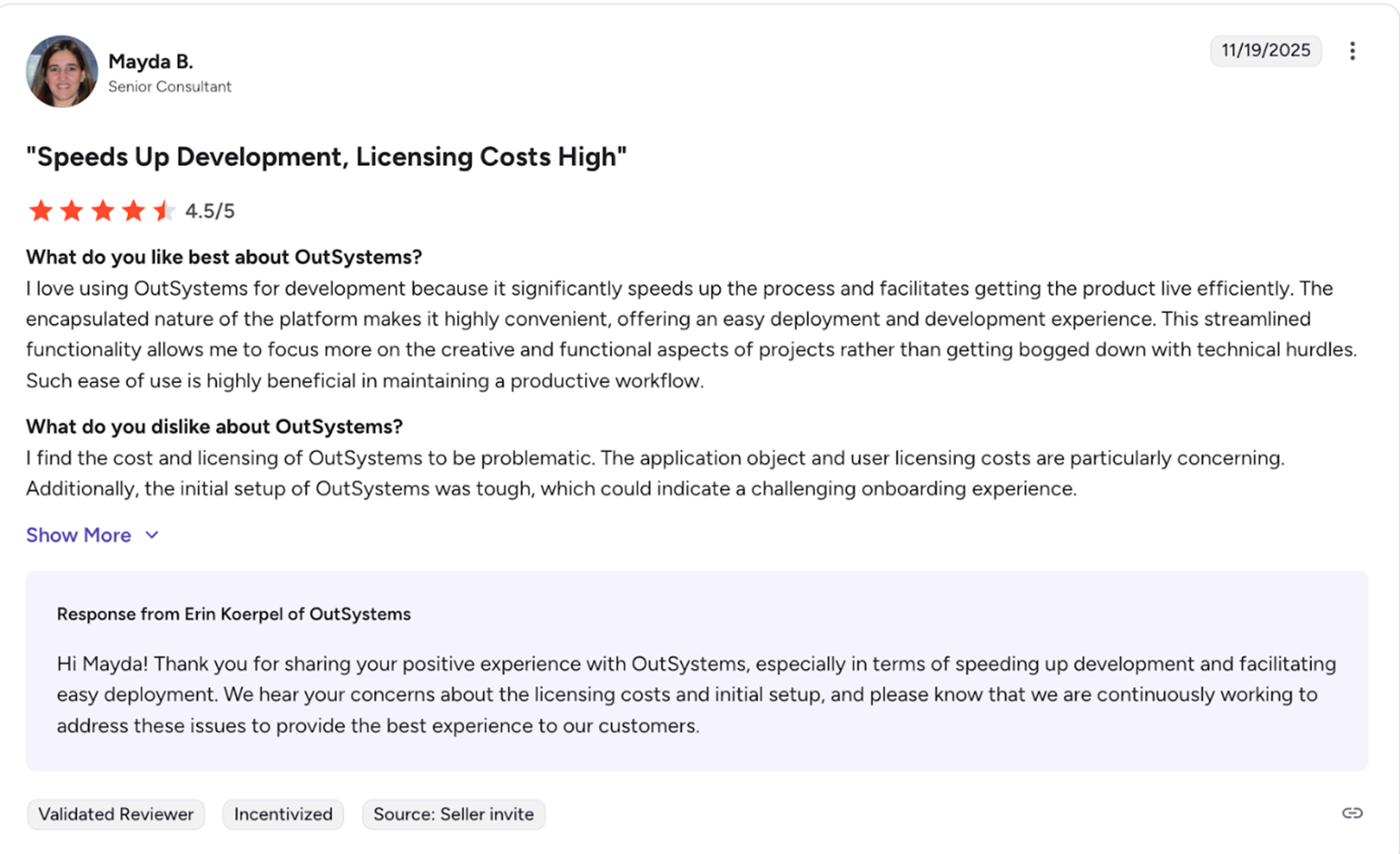
OutSystems uses commercial licensing models that vary by product, deployment, and application requirements.
For organizations developing multiple applications or commercial software products, it's important to understand how licensing costs change as usage grows.
Evaluate the complete cost of ownership, including platform licensing, development environments, hosting, application usage, integrations, support, and ongoing maintenance.
For SaaS providers, it's particularly important to understand how platform costs relate to customer growth and product consumption.
2. Application modernization and migration
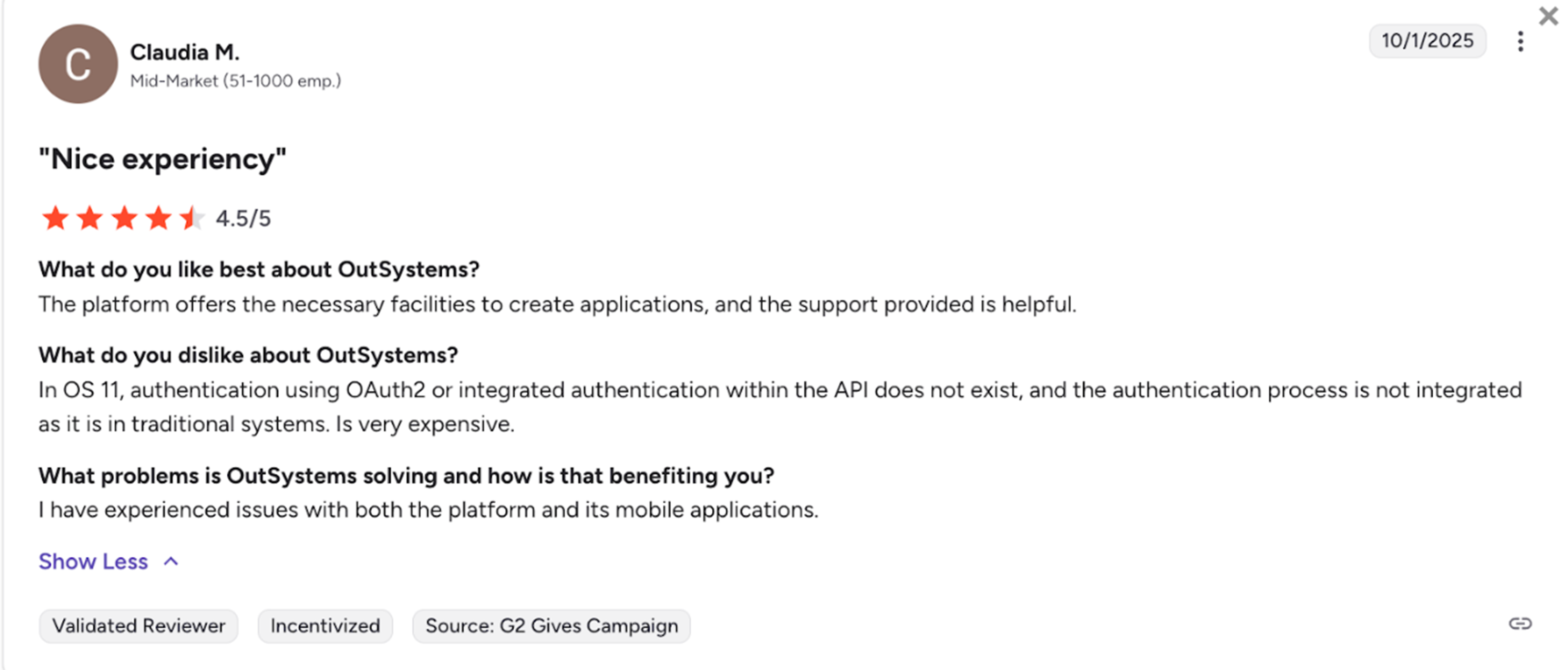
Organizations using OutSystems 11 (O11) may be evaluating OutSystems Developer Cloud (ODC), the company's newer cloud-native development platform.
Because the platforms have architectural differences, migration requirements should be assessed carefully.
The effort involved depends on factors such as application complexity, integrations, custom components, and the capabilities available in the target environment.
Before committing to a migration, organizations should establish which application components can be reused, which may need modification, and which require redevelopment.
3. Commercial SaaS requirements
Building an application for internal use is different from developing software that will be sold to multiple customers.
Commercial SaaS products may require:
- Multi-tenant architecture and customer data isolation.
- Subscriber provisioning and lifecycle management.
- Configurable workflows for different customers.
- Usage monitoring and monetization.
- Security, governance, and operational scalability.
Some development platforms provide these capabilities directly. Others support them through custom development, integrations, or partner solutions.
The distinction matters because building the application is only one part of operating a successful SaaS business.
4. Development flexibility
Low-code platforms accelerate development by abstracting away aspects of traditional programming.
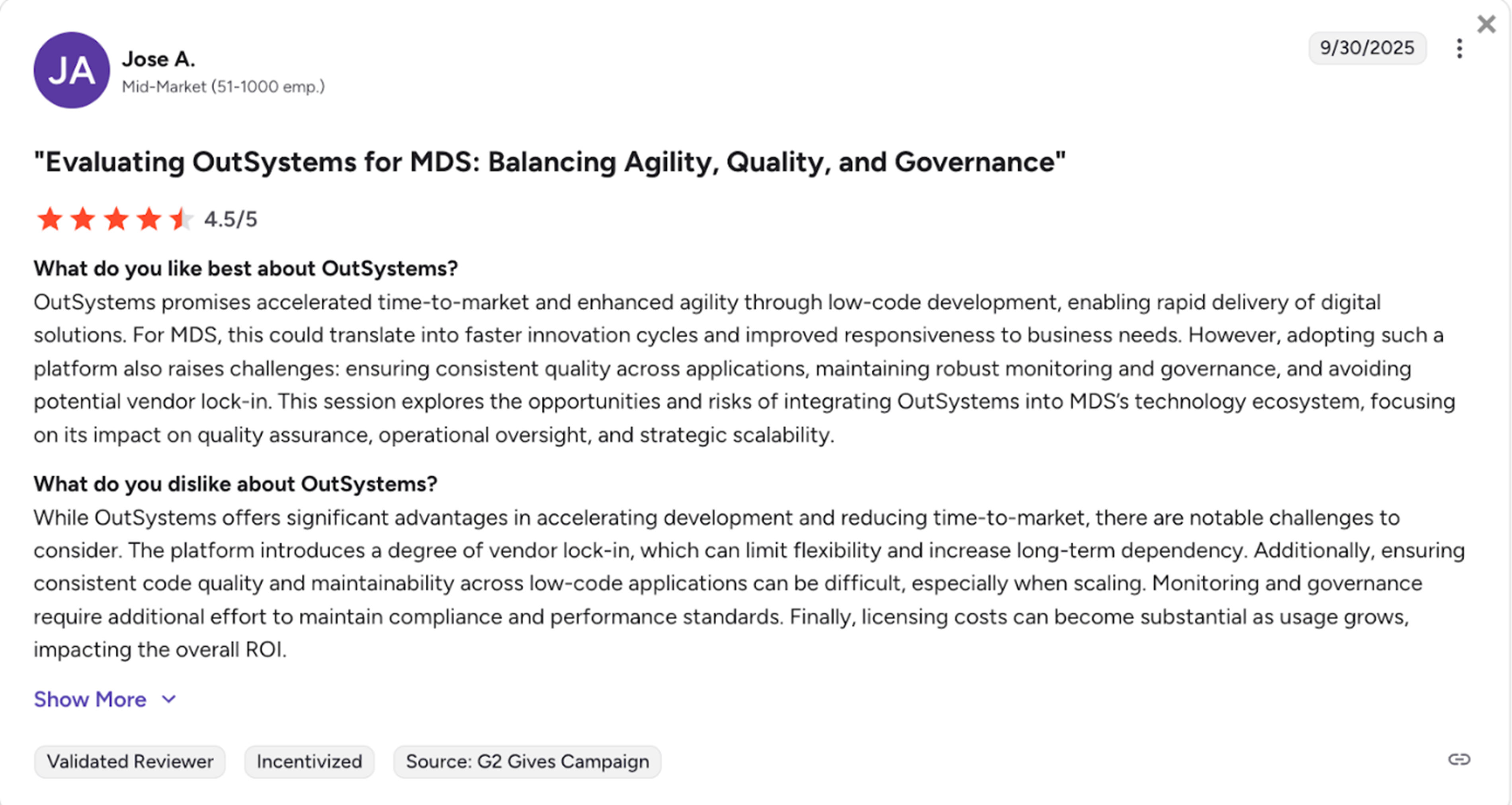
However, teams still need to understand how each platform handles custom code, integrations, user interface customization, deployment, and application portability.
For example, a platform that generates exportable source code offers a different development model from one that executes applications within a proprietary runtime.
Neither approach eliminates all dependencies. The appropriate choice depends on the level of control your development team requires.
5. AI and workflow automation
AI-assisted development is increasingly common across low-code platforms.
However, generating application interfaces or code is different from using AI to execute business processes.
Organizations should evaluate whether a platform can connect AI capabilities to business rules, data, workflows, and human approvals.
This becomes particularly important for applications where AI-generated outputs must lead to consistent, traceable business outcomes.
Top 13 OutSystems alternatives that you should try
1. Launchpad
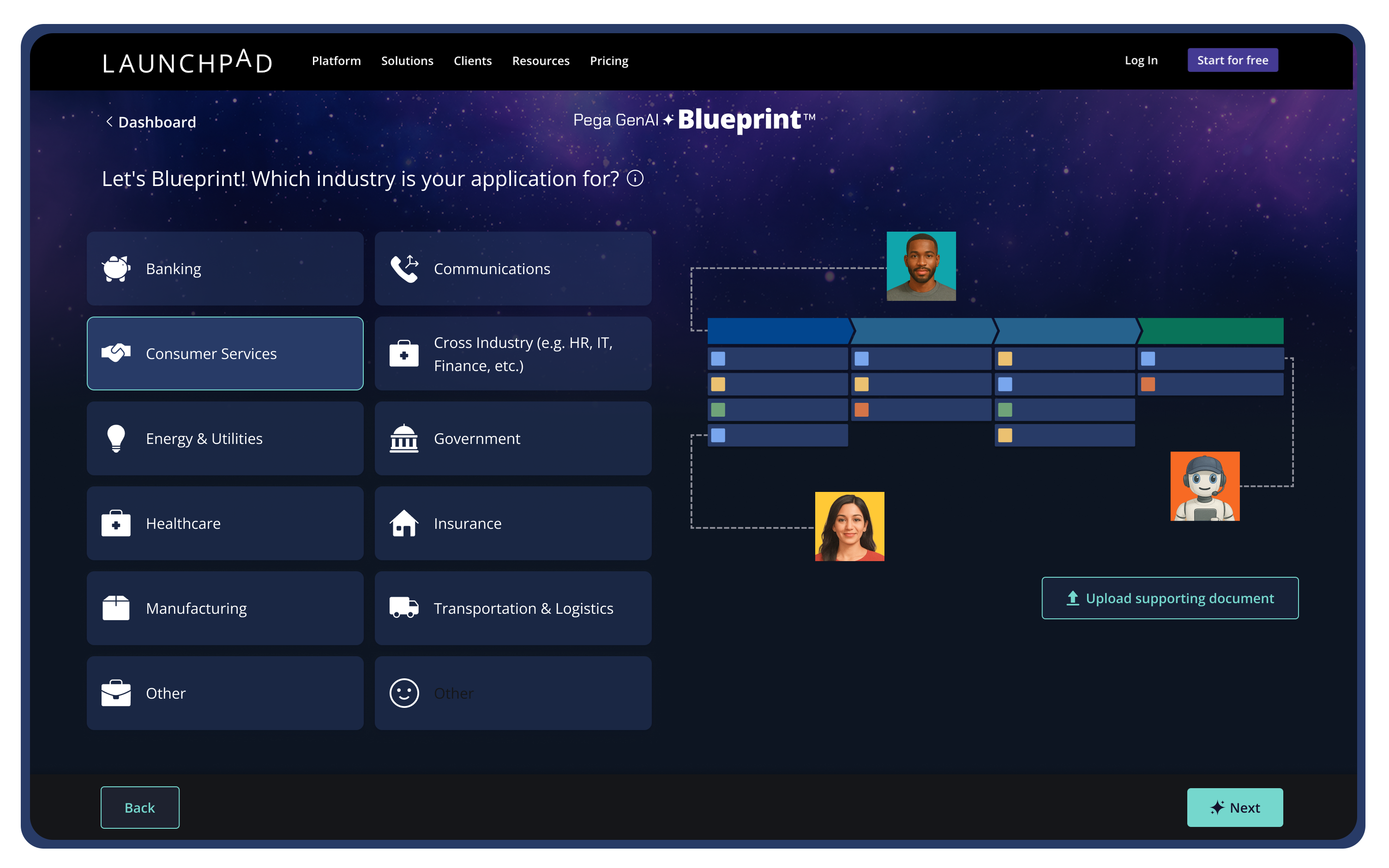
Launchpad is a low-code platform from Pegasystems designed for software companies that want to build and sell B2B SaaS products. The platform handles the multi-tenant architecture, security, databases, and subscriber management, so you can focus on building features that make your product unique.
Instead of spending months setting up cloud infrastructure and authentication systems, you describe what you want to build in plain English. GenAI Blueprint generates a working prototype with everything you need already configured. From there, you add your specific features using visual workflow tools and pre-built components.
Everything runs on AWS with MongoDB. The platform includes auto-scaling infrastructure, native multi-tenancy with strict customer data separation, and built-in subscriber management dashboards.
Key Features
- GenAI Blueprint: Generates complete app structures from natural language, including workflows, data models, UI, and integrations.
- Native multi-tenancy: Native multi-tenancy provides tenant isolation and subscriber management capabilities designed for commercial B2B SaaS applications.
- Agentic workflow orchestration: AI agents evaluate documents, route approvals, and execute actions without manual intervention.
- OpenAPI integration generation: Auto-creates integrations from API specs and uses AI to extract and map data.
- AI expression assistant: Converts natural language into workflow logic and explains existing expressions.
Pricing
Launchpad uses AWS-style usage-based pricing. There's a free tier (Explore) for prototyping and app design. Startups can apply for funding and receive special pricing. Other plans include a $900/month subscription for companies doing serious building.
Pros
- Purpose-built for commercializing B2B SaaS products with native multi-tenancy.
- Usage-based pricing aligns with SaaS economics and scales with consumption.
- Enterprise-grade features that typically take 6-12 months to build are pre-configured.
- Backed by Pega's 40-year reputation in enterprise workflow automation.
Cons
- Focused specifically on B2B workflow-centric applications.
- Engineers who prefer full control over every code layer may find abstraction limiting.
2. Mendix
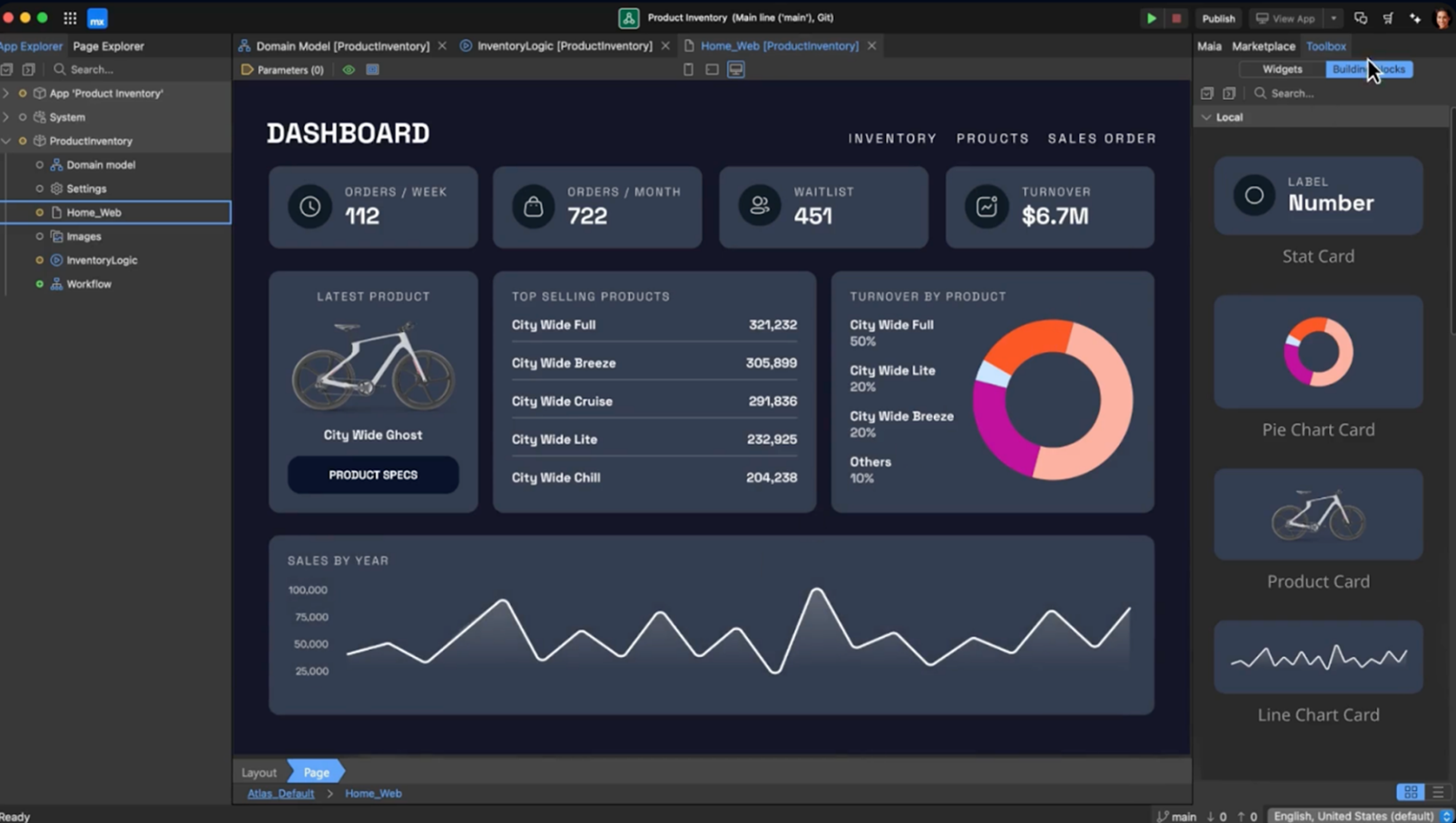
Mendix is an enterprise application development platform owned by Siemens. The platform offers visual development with AI assistance for generating application components, workflows, and integrations.
Moreover, it operates a formal ISV Program, allowing software companies to build and sell commercial products with revenue-sharing models. Mendix uses model interpretation rather than code generation. You define application structure visually, and the platform interprets these models at runtime. This approach enables rapid iteration without compilation cycles.
Key features
- Formal ISV program: Provides a revenue-sharing model with free platform access for software companies building commercial products.
- Multi-tenancy architecture: Supports both shared-database and separate-schema multi-tenant approaches.
- Protected modules: Hides ISV intellectual property and proprietary logic from end customers.
- SOC 2, FedRAMP, GDPR compliance: Meets enterprise security and compliance requirements out of the box.
- Git-based version control: Integrates with standard Git workflows for branch management and pull requests.
- Multi-cloud deployment: Supports deployment to AWS, Azure, GCP, SAP BTP, and on-premise infrastructure.
Pricing
Mendix offers three plans (Free, Standard, Premium) with pricing starting from €900/month.
Pros
- Enterprise credibility with an established customer base.
- Formal ISV program designed for commercial software vendors.
- Comprehensive multi-tenancy support is built in.
- Strong compliance credentials (SOC 2, FedRAMP, GDPR)
Cons
- Enterprise pricing can be a significant investment.
- Steeper learning curve than simpler platforms.
- Vendor lock-in due to proprietary platform.
3. Appian
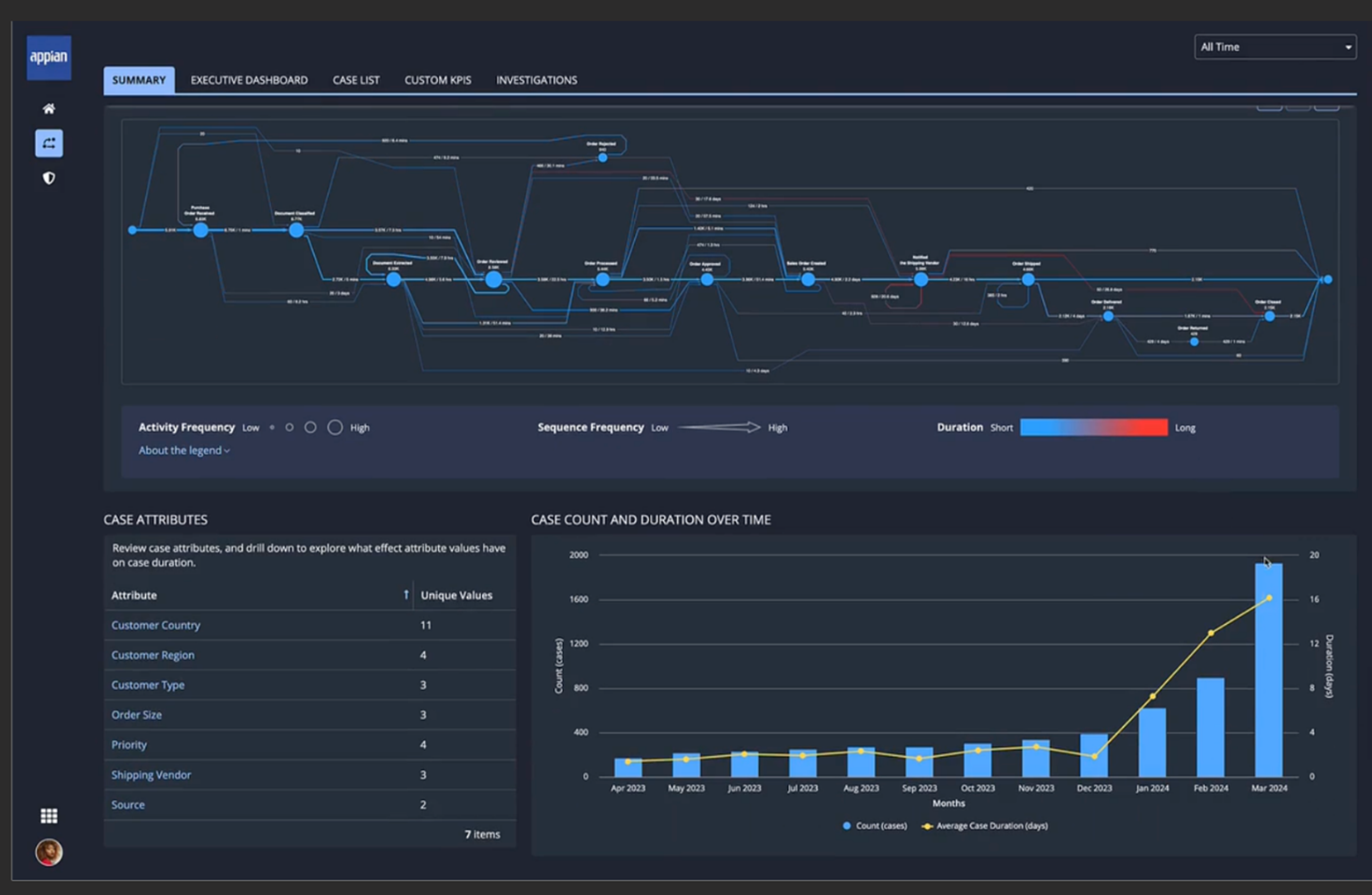
Appian is a process automation platform founded in 1999 that specializes in business process management and workflow orchestration. It operates as a Gartner Leader in both Enterprise Low-Code Application Platforms, and Business Orchestration and Automation Technologies.
The platform combines BPM, robotic process automation, AI/ML, process mining, and a proprietary Data Fabric. The Data Fabric unifies data from multiple sources without requiring data migration or ETL processes.
Process mining works by analyzing event logs from your existing systems. These logs contain digital records of each activity executed within a process. Appian analyzes this data and presents it in visual flowcharts that show the entire process, including any skipped or added steps.
Key features
- Industry-leading BPM engine: Orchestrates complex multi-step business processes with branching logic and parallel execution.
- Built-in RPA: Automates interactions with legacy systems that lack APIs by recording and replaying user interface actions.
- Data fabric architecture: Unifies data access across databases, APIs, and legacy systems without migration.
- Process mining: Analyzes event logs from existing systems to discover actual process flows.
- Intelligent document processing: Extracts structured data from unstructured documents using AI-powered classification.
- Enterprise compliance: Meets SOC 2, ISO 27001, and FedRAMP requirements for regulated industries.
Pricing
Appian offers three pricing tiers: Standard, Advanced, and Premium. Pricing is typically per user per month or per app, with exact costs provided upon request.
Pros
- Strong workflow automation capabilities.
- Comprehensive BPM + RPA + AI suite.
- High security certifications.
Cons
- Can be very expensive
- Limited UI customization Vendor lock-in via SAIL language.
4. Microsoft Power Apps
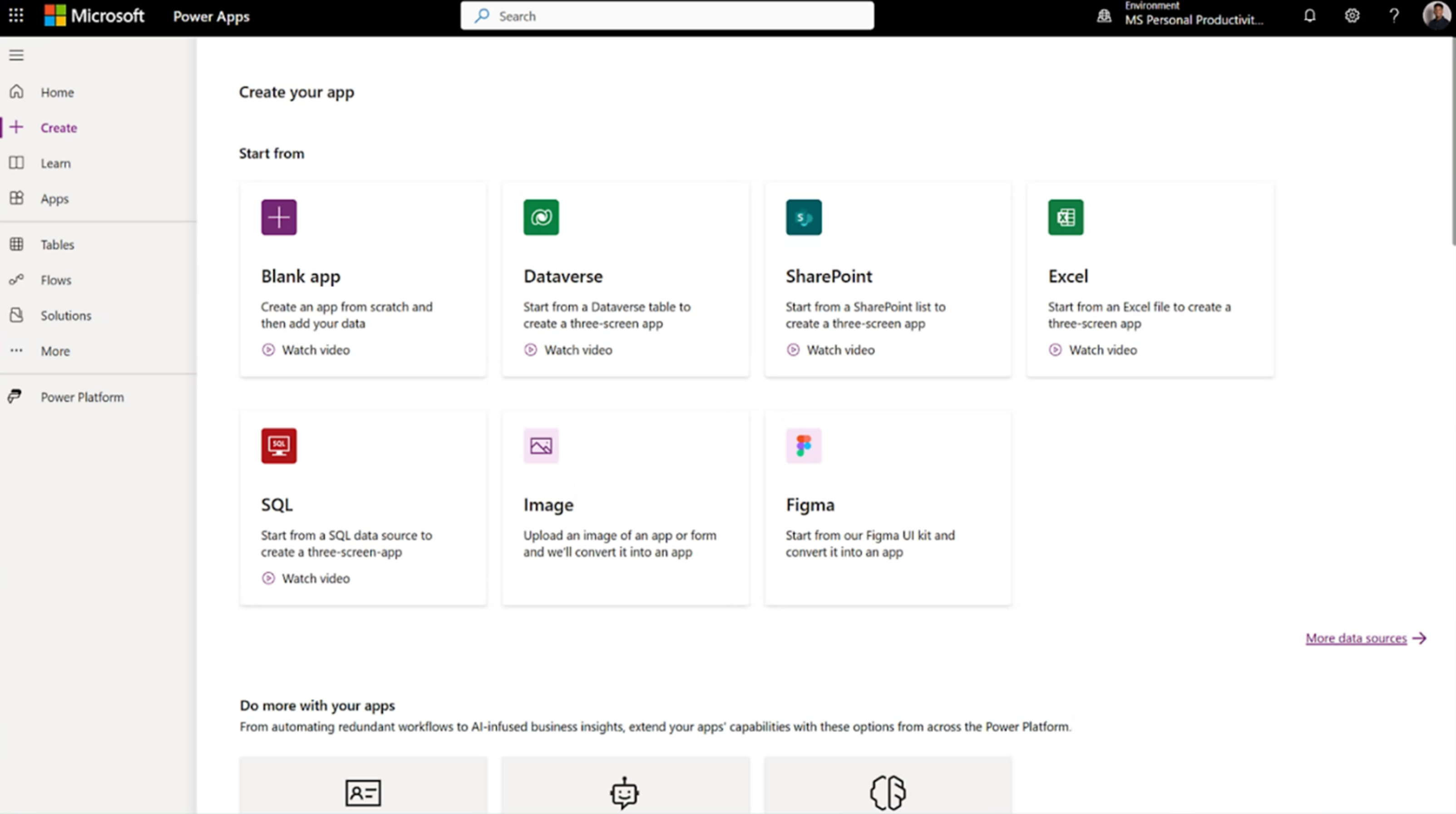
Microsoft Power Apps is part of the Power Platform ecosystem, which also includes Power Automate and Power BI. The platform enables custom business applications that connect to Microsoft 365, Dynamics 365, Azure, and 1,400+ external data sources.
Power Apps uses PowerFx, an Excel-like formula language that makes the platform accessible to analysts familiar with spreadsheets. Applications can embed directly into Teams, SharePoint, and Dynamics 365.
Key features
- Canvas and model-driven apps: Provides custom interface apps and apps that auto-generate UI from data models.
- Dataverse enterprise platform: Offers a managed database with built-in security and Microsoft services integration.
- PowerFx expression language: Uses Excel-like formulas, making Power Apps accessible to spreadsheet users.
- AI builder: Provides pre-trained AI models for form processing and sentiment analysis.
Pricing
Power Apps Premium costs $20/user/month. Basic features are included with Microsoft 365 licenses.
Pros
- Most affordable entry ($20/user or free limited version with M365).
- Deep Microsoft integration, accessible to spreadsheet users.
Cons
- Limited outside the Microsoft ecosystem.
- Performance issues with large datasets.
5. ServiceNow App Engine
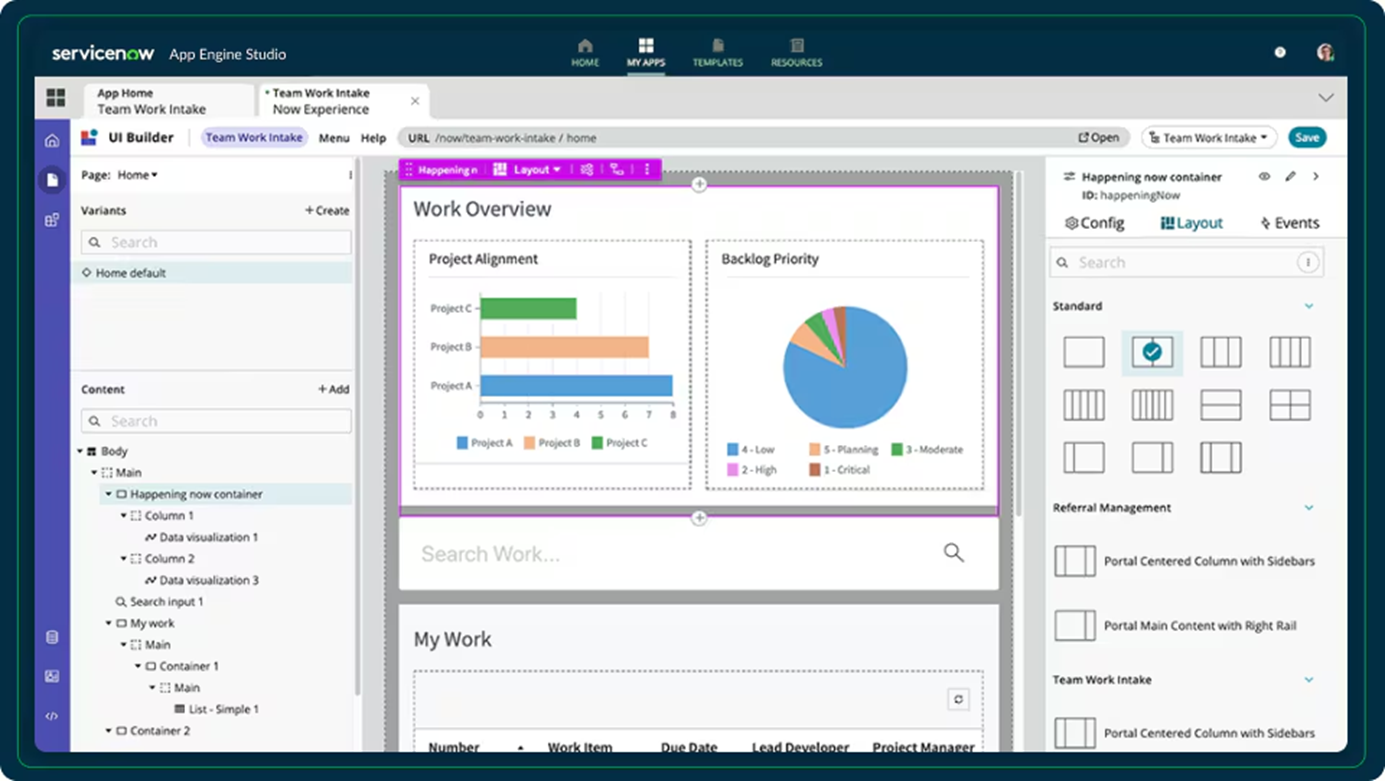
ServiceNow App Engine is built on the Now Platform that powers ITSM, HR service delivery, and customer service operations for thousands of Fortune 500 companies.
All custom applications built with App Engine share the same data layer, security model, and integrations as ServiceNow's core enterprise modules.
The platform provides App Engine Studio as the primary development environment. Flow Designer creates workflow automation visually with branching logic, API integrations, and approval processes.
Key features
- Now assist for creator: Generative AI helps build flows, generate code, and create analytics through natural language prompts.
- Autonomous AI agents: Handle IT support, customer service, and HR tasks without human intervention.
- Enterprise governance: Built-in compliance guardrails ensure applications meet security and regulatory standards.
- Flow designer: Visual workflow automation connects to existing ServiceNow processes and data.
Pricing
ServiceNow App Engine doesn't offer a free plan. Pricing is custom and requires contacting sales.
Pros
- Scales automatically as part of the ServiceNow platform.
- Strong workflow automation capabilities built on a proven ServiceNow engine.
- No need to manage separate hosting or database infrastructure.
Cons
- Apps live entirely within ServiceNow.
- The platform can feel dated and clunky compared to development tools.
- Only makes sense if you're already heavily invested in the ServiceNow ecosystem.
6. Salesforce Lightning Platform
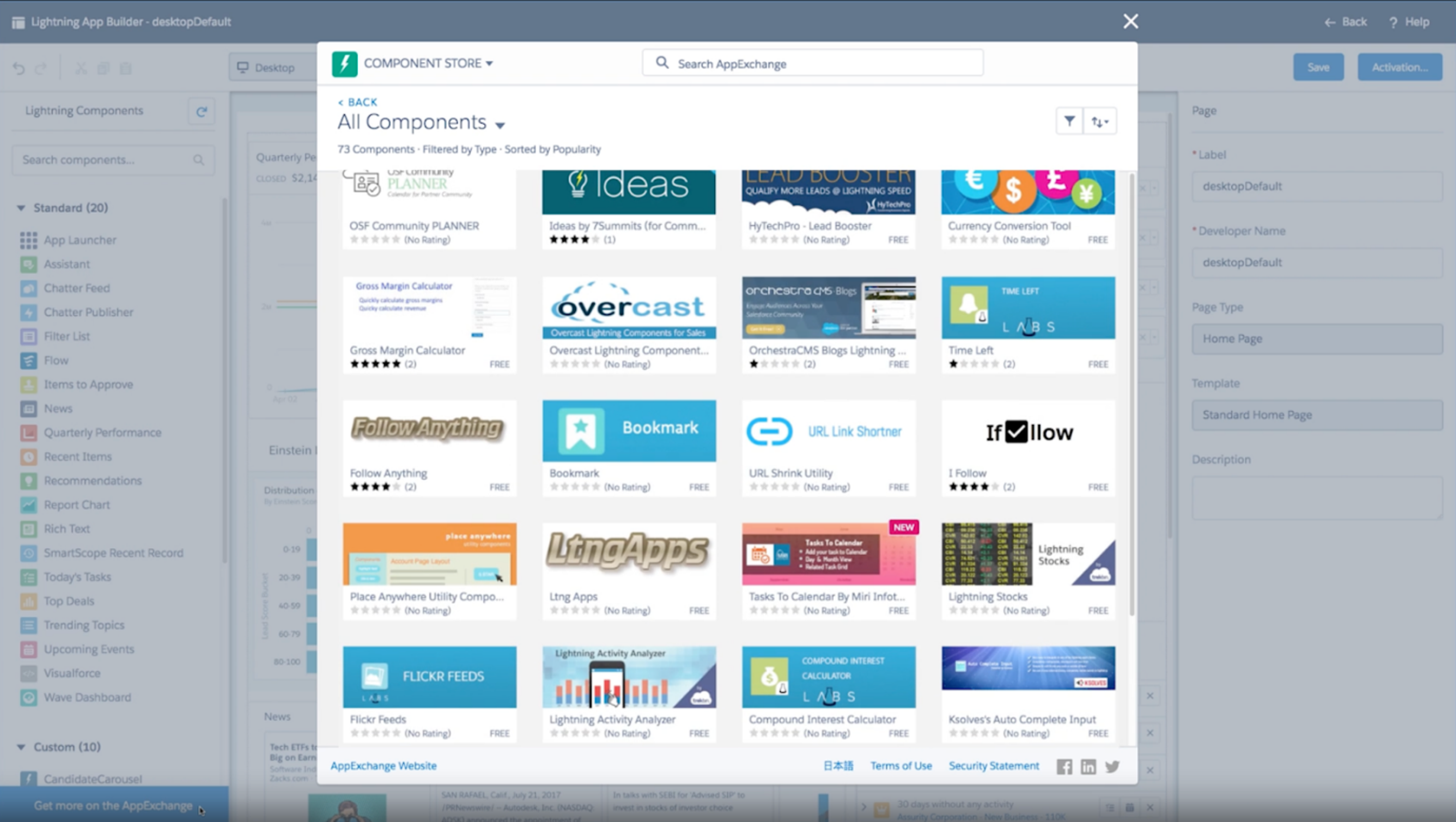
Most people know Salesforce as a CRM, but it also enables application development without extensive coding. Salesforce calls its development tool the Platform (formerly Lightning Platform), now promoted as "Agentforce 360 Platform." This differs from typical drag-and-drop builders.
The platform provides reusable building blocks such as maps, calendars, buttons, and number-entry forms. These components automatically inherit security models and permission structures that would normally take months to build from scratch.
Salesforce Platform also lets you build autonomous agents and give them access to your CRM data. These agents handle tasks like customer inquiries and routine automations without separate data pipelines.
Key features
- Lightning App Builder: Creates custom applications visually.
- Salesforce Flow: Automates business processes with a visual workflow builder.
- Apex programming language: Provides server-side programming for complex logic.
- AppExchange Marketplace: Access 7,000+ pre-built applications.
- Einstein AI integration: Embeds AI-powered predictions using pre-trained models.
Pricing
Salesforce Lightning Platform offers three plans: Platform Starter (€25 per user per month), Platform Plus (€100 per user per month), and Platform Log In & Dev Credits (€1,000 per 10,000 credits). Free trials are available.
Pros
- Security and permissions are inherited from Salesforce's enterprise-grade infrastructure.
- Large ecosystem of developers and pre-built solutions on AppExchange.
- Autonomous agents can leverage existing customer data without separate systems.
Cons
- Apps live entirely within the Salesforce ecosystem with limited portability.
- Not suitable for building standalone commercial products outside Salesforce.
7. Retool
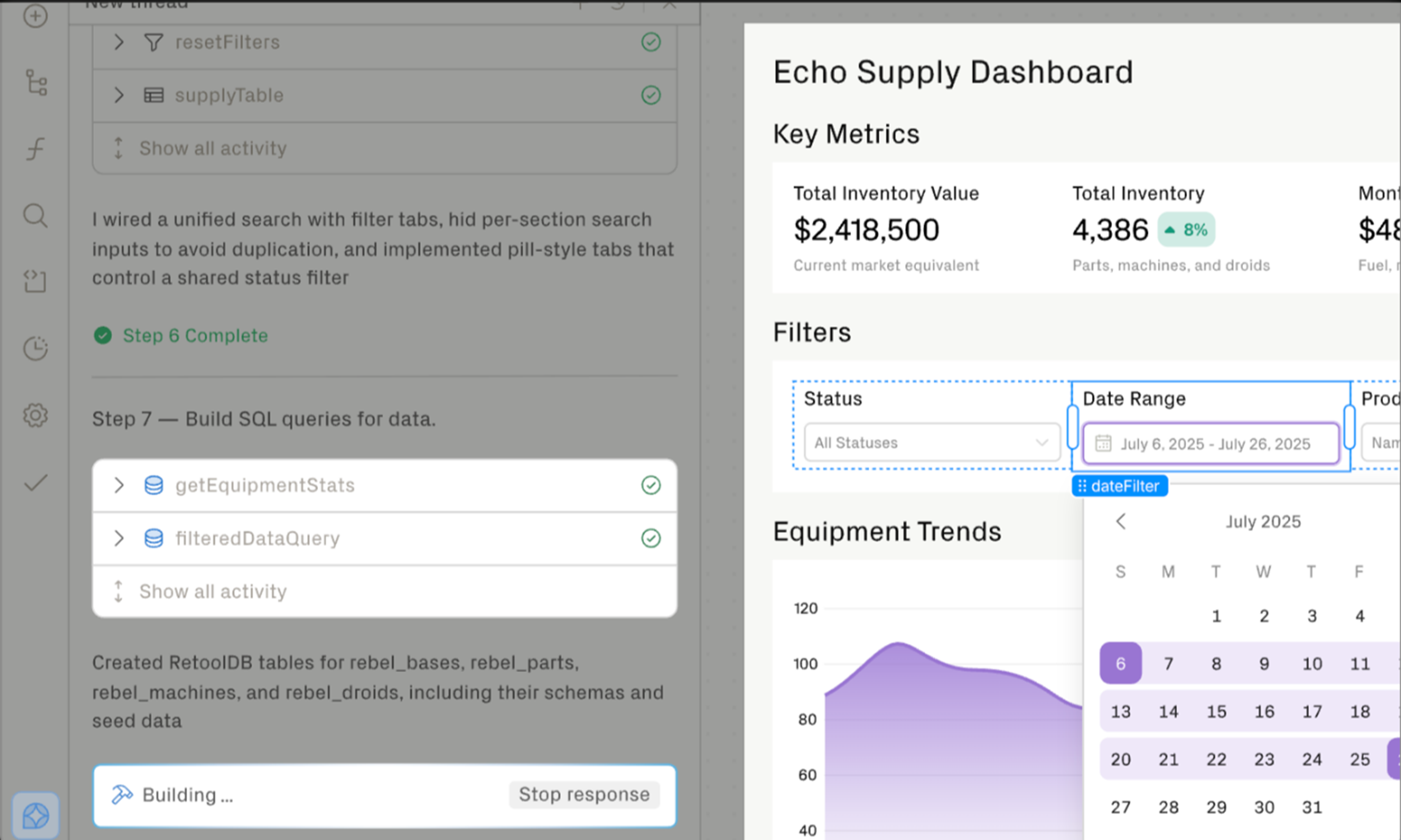
Retool is a platform for building internal business tools by connecting directly to databases and APIs. The platform provides a drag-and-drop interface built with JavaScript and SQL support.
You drag and drop components on a canvas and write JavaScript or SQL to define their behavior and data sources. The platform offers over 100 UI components for internal tools.
Furthermore, Retool connects to PostgreSQL, MySQL, MongoDB, REST APIs, GraphQL, and cloud services like AWS and Google Cloud. Instead of building full-stack applications from scratch, developers assemble interfaces from pre-built components and write queries to display and manipulate data.
Key features
- Universal database connector: Connects to PostgreSQL, MySQL, and MongoDB with native query builders.
- 100+ pre-built components: Provides tables, forms, and charts that bind to data queries.
- Retool workflows: Automates background processes.
- External-facing apps: Builds customer portals on the Business tier.
- JavaScript and SQL support: Allows custom logic in JavaScript and raw SQL.
Pricing
Retool offers four plans:
- Free ($0 per builder + $0 per internal user).
- Team ($10 per builder per month + $5 per internal user per month).
- Business ($50 per builder per month + $15 per internal user per month).
- Enterprise (custom pricing).
Pros
- Extreme speed for internal tools.
- Deep database integration, Developer-friendly.
Cons
- Requires SQL knowledge.
- External capabilities are less mature.
8. Bubble
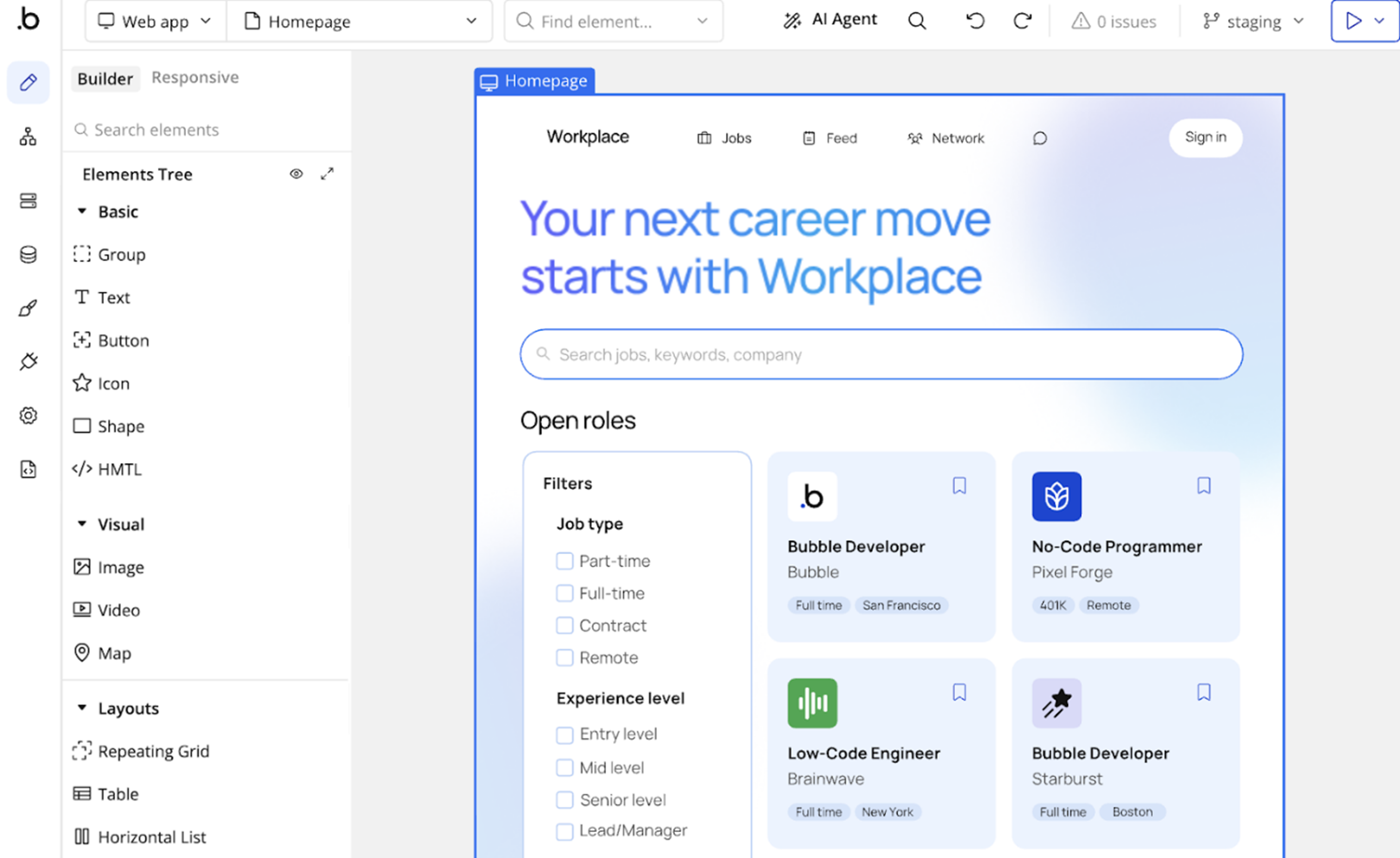
Bubble is a visual application builder with AI features that help generate layouts, database schemas, and workflow logic. It provides complete backend functionality, including database, API integrations, and workflow automation.
In addition, the platform has 2+ million users building web SaaS products and internal applications. Unlike traditional development, Bubble uses a visual programming approach where you design interfaces and define logic through configuration rather than code.
Key features
- Visual workflow engine: Build complex business logic with conditional statements and multi-step processes without code.
- Plugin marketplace: Access 3,000+ plugins, including OpenAI integration, payment processors, and third-party APIs.
- Responsive design: Applications automatically adapt to different screen sizes and devices.
- Database designer: Visual interface for creating data structures with built-in privacy rules and permissions.
Pricing
Bubble offers five plans: Free ($0/month), Starter ($59/month billed annually), Growth ($209/month billed annually), Team ($549/month billed annually), and Enterprise (custom pricing).
Pros
- Zero coding required, accessible to non-technical founders.
- Fast time-to-market for MVPs and prototypes.
- Large plugin marketplace accelerates development.
- Proven production deployments, including acquired companies.
Cons
- Total vendor lock-in with no code export whatsoever.
- Applications with demanding workloads may require careful optimization and capacity planning. Teams should test Bubble's performance against their expected concurrency, database usage, and workflow requirements.
9. FlutterFlow
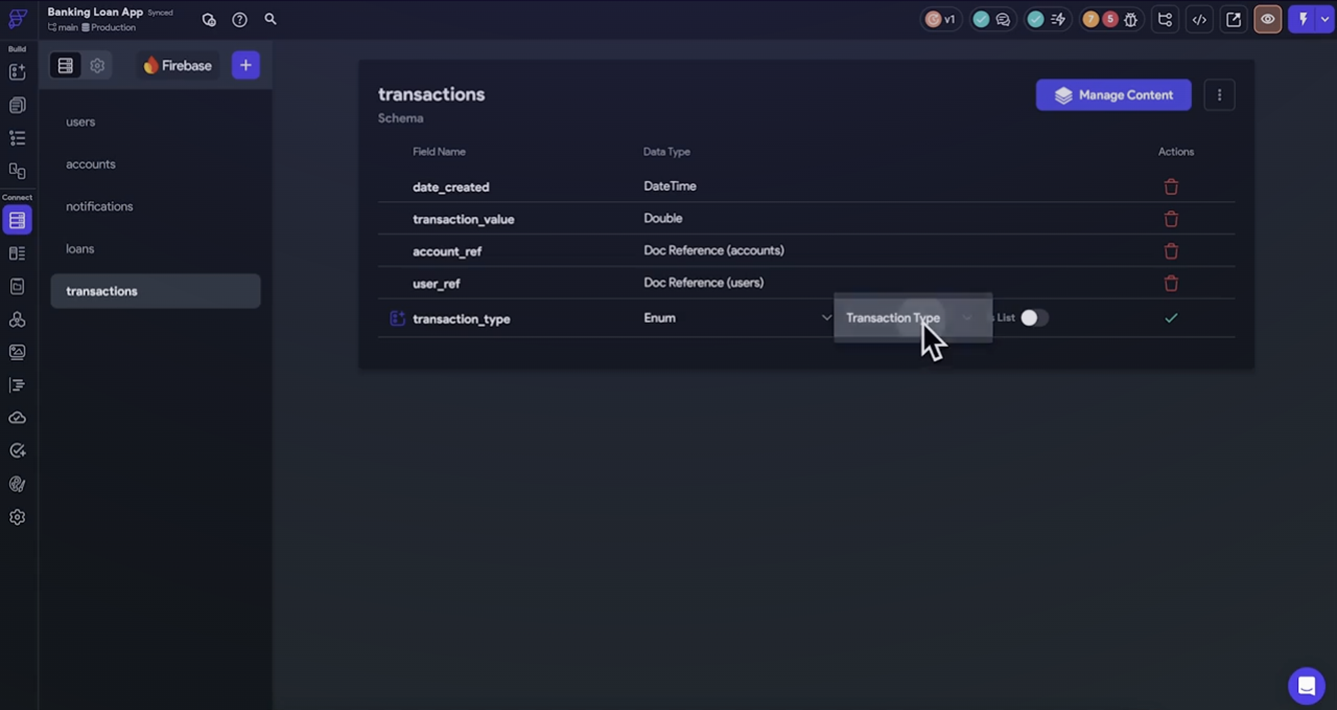
FlutterFlow builds native mobile applications using the Flutter framework. AI features generate screens from descriptions, suggest layouts, and create navigation flows.
The platform generates real Flutter code you can export and modify. This provides an escape hatch if you outgrow the visual builder or need custom functionality not available in the visual interface.
FlutterFlow also targets developers and technical founders building native mobile applications who want faster development without sacrificing code ownership. The platform has over 2 million users.
Key features
- Full Flutter/dart code export: Download complete source code and continue development in any Flutter IDE.
- Cross-platform development: Build once, deploy to iOS, Android, Web, and Desktop from a single codebase.
- DreamFlow AI engine: Generates pages and app structures from natural language prompts.
- One-click app store deployment: Direct publishing to Apple App Store and Google Play Store.
- GitHub integration: Push code to GitHub for version control and team collaboration.
Pricing
FlutterFlow offers four plans: Free, Basic ($39/month), Growth ($80/month), and Business ($150/month). Enterprise pricing is custom. Backend costs (Firebase/Supabase) are separate and billed independently.
Pros
- Much lower cost than enterprise low-code platforms.
- One-click deployment streamlines app store publishing.
- Active community and component marketplace.
Cons
- No built-in backend, and requires Firebase, Supabase, or custom APIs.
- Steep learning curve for non-developers despite the visual interface.
10. Zoho Creator
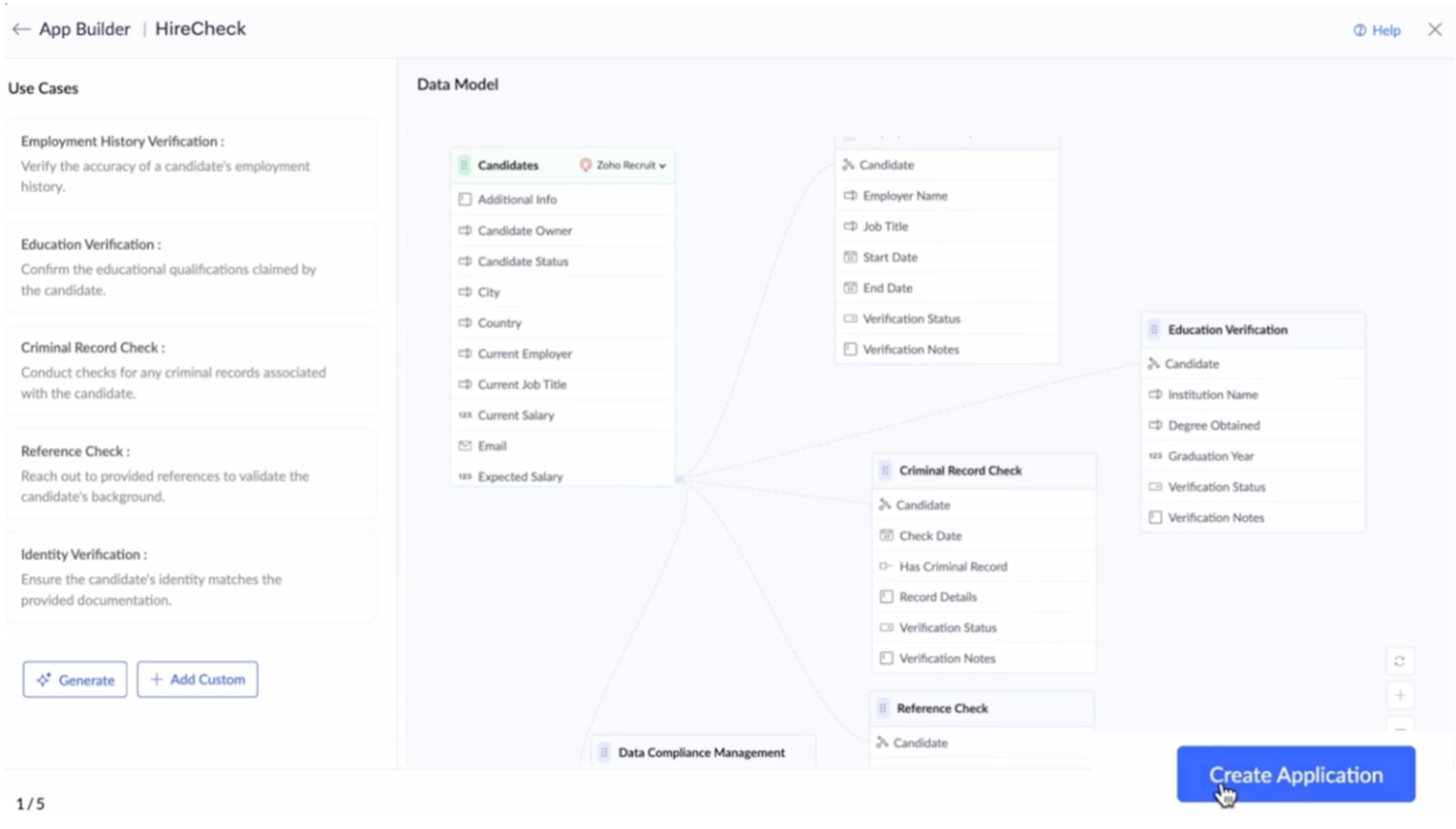
Zoho Creator is an application development platform from the Zoho ecosystem. The platform provides drag-and-drop tools and deep integration with 50+ Zoho products, including CRM, email, and finance.
The platform targets SMBs and enterprises needing custom business apps, especially teams already using Zoho products. It also provides a scripting language called Deluge for advanced logic beyond visual configuration.
Key features
- CoCreator AI: Generates complete applications from voice prompts, written instructions, or business requirement documents.
- Multi-vendor AI support: Integrates with ZohoAI, OpenAI, Google Gemini, and Anthropic via a bring-your-own-key approach.
- AI skills: Built-in OCR, predictive analytics, and object detection included at no extra cost.
- Customer portal: Expose applications externally for customer access and collaboration.
Pricing
Zoho Creator offers four plans: Standard ($8 per user per month), Professional ($20 per user per month), Enterprise ($25 per user per month), and Flex (custom pricing). A 15-day free trial is available.
Pros
- Zoho claims that apps are deployed within 30 days for most customers.
- AI capabilities are included without additional fees.
- Integration across the entire Zoho ecosystem.
- Free plan available for testing and small projects.
Cons
- Restrictive UI customization.
- Best value in the Zoho ecosystem only.
11. Oracle APEX
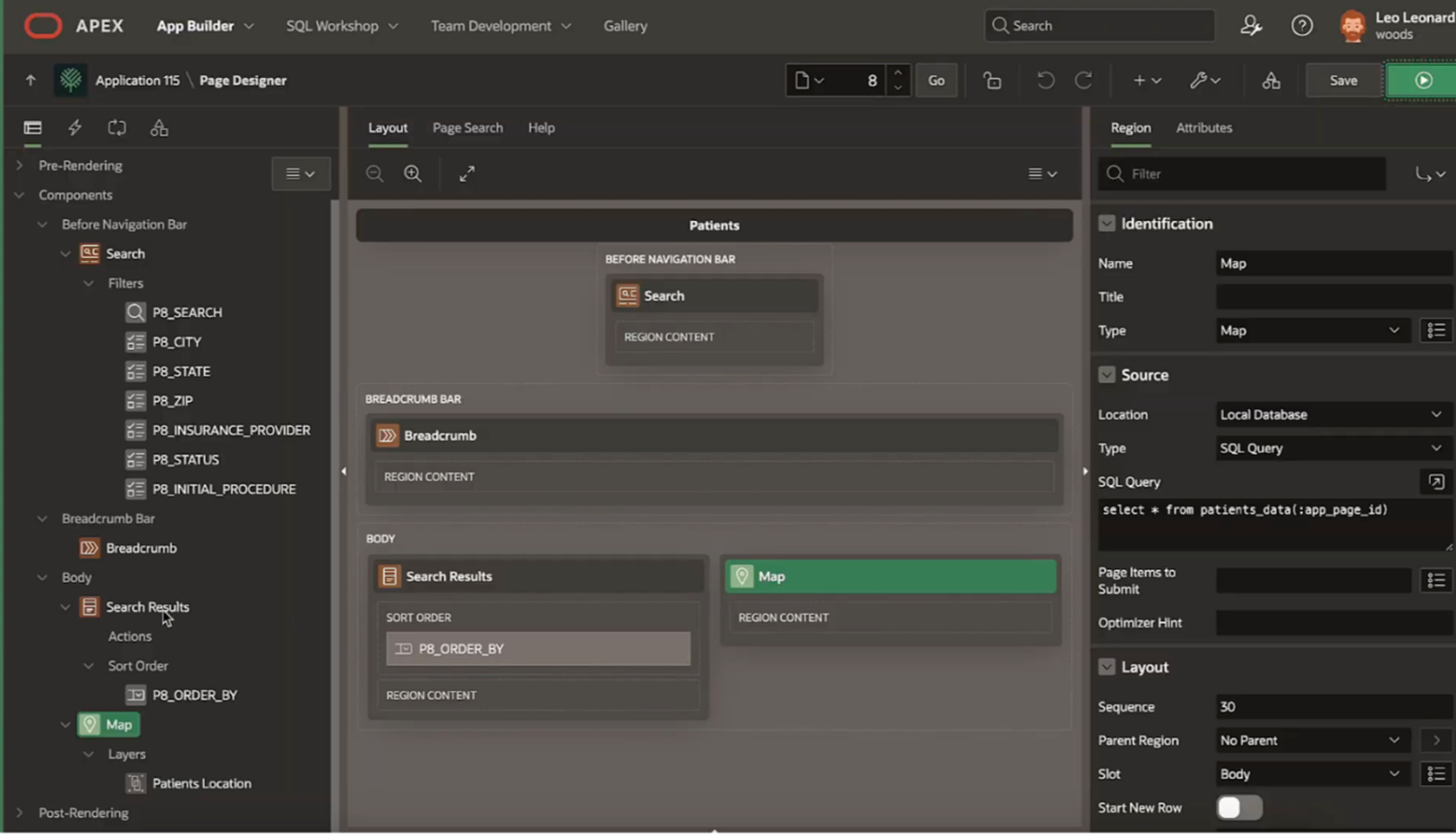
Oracle APEX (Application Express) is an enterprise low-code platform built on Oracle Database. It targets developers and IT professionals already using Oracle infrastructure, with particular strength in data-heavy applications.
The platform is included free with Oracle Database licenses, making it attractive for Oracle-centric organizations. Besides, APEX excels at building data-driven dashboards, reports, and analytics tools.
Key features
- No-cost feature of Oracle database: Included free with all Oracle Database editions.
- Spreadsheet-to-app conversion: Automatically transform Excel spreadsheets into database-backed applications.
- Interactive grids and reports: Advanced data visualization with faceted search and customizable data views.
- Autonomous database integration: Automated scaling, patching, and database management tasks.
Pricing
Oracle APEX offers three options: Always Free (included in OCI Free Tier), APEX Application Development Service (starts at $122 per month), and APEX with Autonomous Database (starts at $502 per month).
Pros
- Rapid development for data-intensive applications.
- No per-user or per-app licensing costs.
- Deep Oracle ecosystem integration.
- Strong security features are built into Oracle Database.
Cons
- Only makes sense if you are already invested in the Oracle ecosystem.
- Challenging initial configuration and setup.
- Limited appeal outside Oracle-centric organizations.
12. Creatio
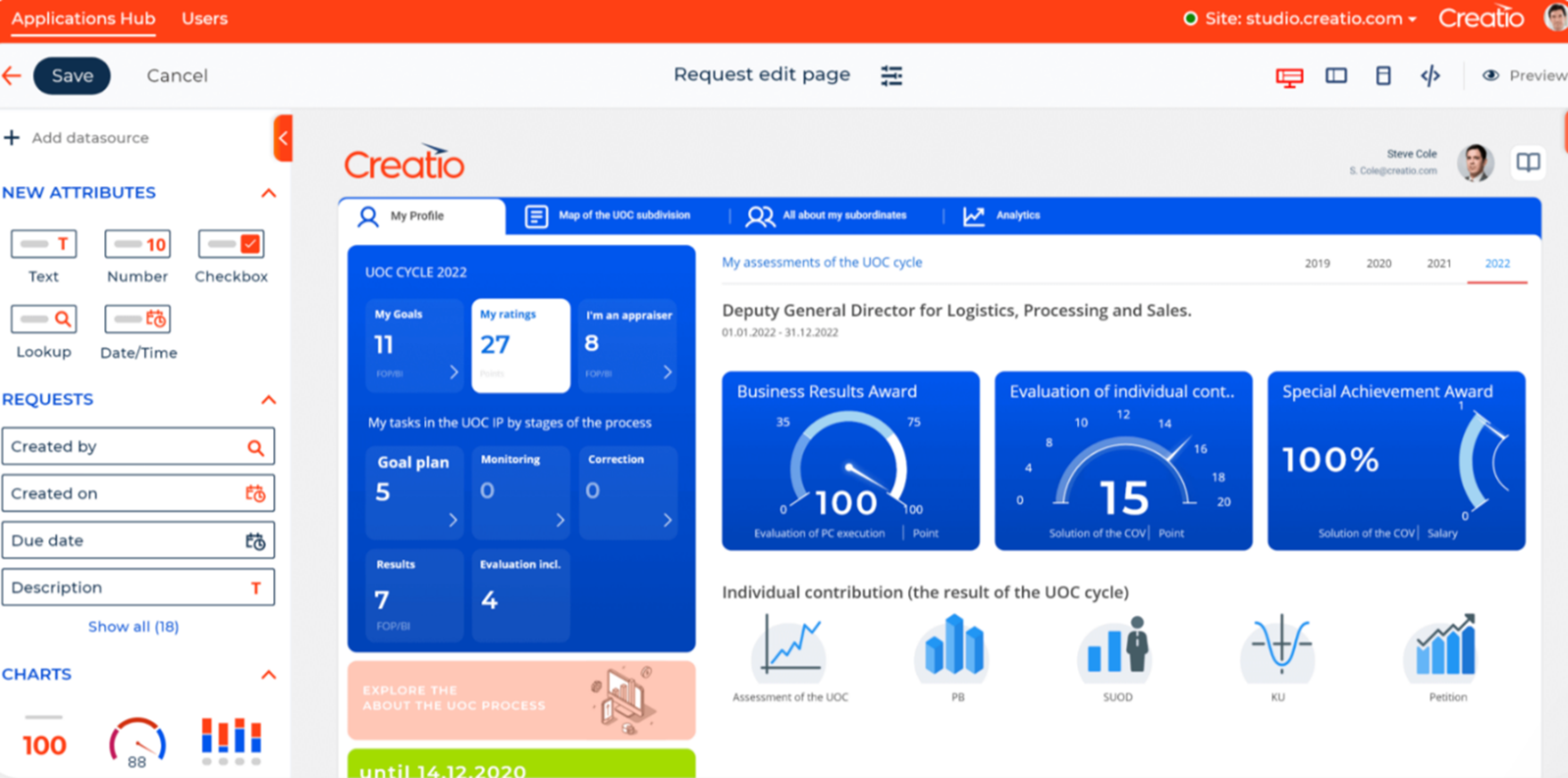
Creatio is a no-code platform that combines CRM and workflow automation with AI at its core. It targets mid-size to large enterprises with 850 employees across 10 offices serving thousands of customers in 100 countries.
The platform integrates Creatio Studio (a no-code development platform) with a full CRM suite for Marketing, Sales, and Service. Creatio is recognized as a Leader and Strong Performer in Gartner and Forrester reports.
Key features
- AI agents embedded across workflows: Autonomous AI agents provide intelligent recommendations, and predictive insights, and execute tasks across all processes
- No-code platform (Creatio Studio): Build applications and workflows using natural language and visual designers without coding.
- Full CRM suite: Integrated Marketing, Sales, and Service applications with embedded AI capabilities.
- Process automation: Visual tools to automate business processes, create business rules, and orchestrate workflows.
Pricing
Creatio offers three plans: Growth ($25 per user per month), Enterprise ($55 per user per month), and Unlimited ($85 per user per month). All plans include AI capabilities through Creatio.ai tokens with no extra licenses required.
Pros
- Responsive customer support across multiple channels.
- Freedom UI makes customization easier without technical expertise.
- All AI features are included without additional licensing.
Cons
- Complexity can overwhelm new users despite no-code positioning.
- Fewer pre-built integrations compared to Salesforce or HubSpot.
- Learning curve for first-time administrators.
13. Unqork
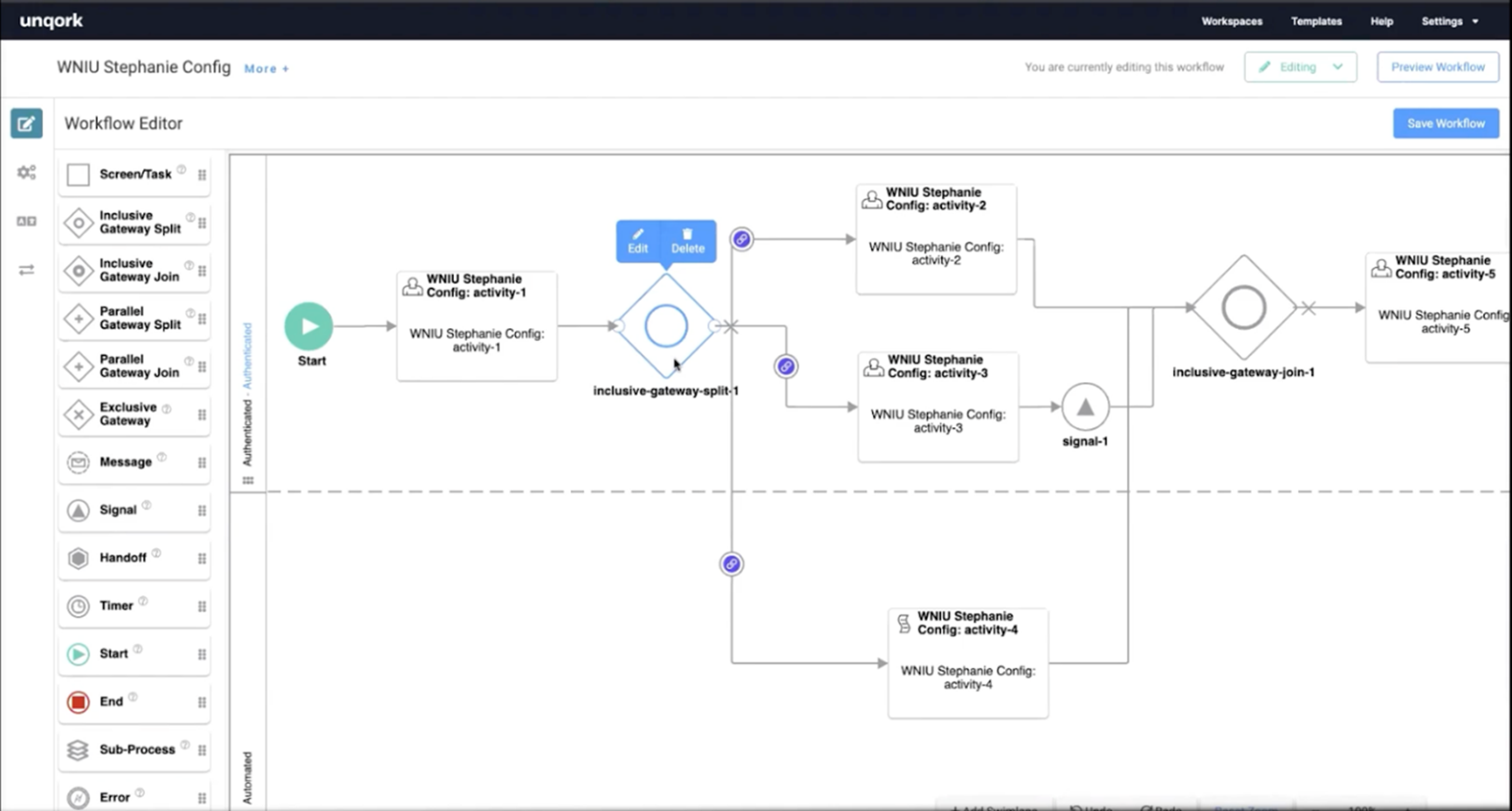
Unqork is an enterprise no-code platform designed specifically for regulated industries like financial services, insurance, healthcare, and government.
The platform emphasizes zero technical debt through its "Codeless as a Service" architecture. Unqork enables building complex enterprise applications without writing code, with customers reporting builds that previously took months now completed in weeks.
The platform is FedRAMP certified and meets rigorous compliance requirements for regulated industries.
Key features
- AI-powered development: AI-assisted builds with components governed by IT, accelerating development while maintaining control.
- Visual application builder: Drag-and-drop interface for application logic, spreadsheet-like rules, and visual data transformation.
- Industry-specific templates: Pre-built templates for financial services, insurance, healthcare, and government sectors.
Pricing
Unqork does not publish pricing publicly. Contact sales for custom enterprise quotes. Premium per-user, per-month pricing model with tiered plans based on features and scale.
Pros
- Rapid development from conception to production in as little as 12 weeks.
- Unqork claims zero technical debt through codeless architecture.
- High application reliability with significant defect reduction.
Cons
- Steep learning curve despite no-code positioning.
- No transparent pricing makes budgeting difficult.
- Vendor lock-in concerns with proprietary codeless architecture.
The best of OutSystems alternatives
OutSystems does not publish its pricing (Vendorbenchmark.com says that ODC starts at $2500/month), and it's uncertain whether it supports multi-tenancy on its new ODC platform. Software vendors should evaluate how OutSystems Developer Cloud supports their specific multi-tenancy requirements, including tenant provisioning, data isolation, and subscriber management. Most alternatives share these limitations or solve different problems entirely.
Power Apps, ServiceNow, and Retool support external-facing applications through different capabilities and licensing arrangements. Software vendors should compare these options against their requirements for commercial distribution, multi-tenancy, subscriber management, and usage-based pricing.
However, Launchpad is different. It's built for software companies selling B2B SaaS, so production infrastructure comes configured from day one. Native multi-tenancy, subscriber management, enterprise security, and agentic workflows are included, backed by Pega's 40 years of serving Fortune 500 companies.
Try Launchpad.io today for free and stop rebuilding infrastructure that every SaaS company duplicates.
FAQs
What is the cheapest OutSystems alternative?
Zoho Creator starts at $8 per user per month, making it the most affordable option. However, it's designed for internal tools, not commercial SaaS products. For B2B SaaS development, Launchpad offers better value at $500/month (Startup plan) with production infrastructure, native multi-tenancy, and subscriber management included.
Can I build commercial B2B SaaS products on these platforms?
Most platforms in this list (Power Apps, ServiceNow, Retool, Zoho Creator, and Creatio) are designed for internal tools only. While Bubble and FlutterFlow can build external applications, they require manual multi-tenancy architecture. But only Launchpad and Mendix (via ISV program) are purpose-built for commercializing B2B SaaS.
About the Author
Kat Austin works in product marketing for Launchpad, helping companies understand how AI-powered software can automate work, deliver measurable outcomes, and bring new solutions to market faster.